
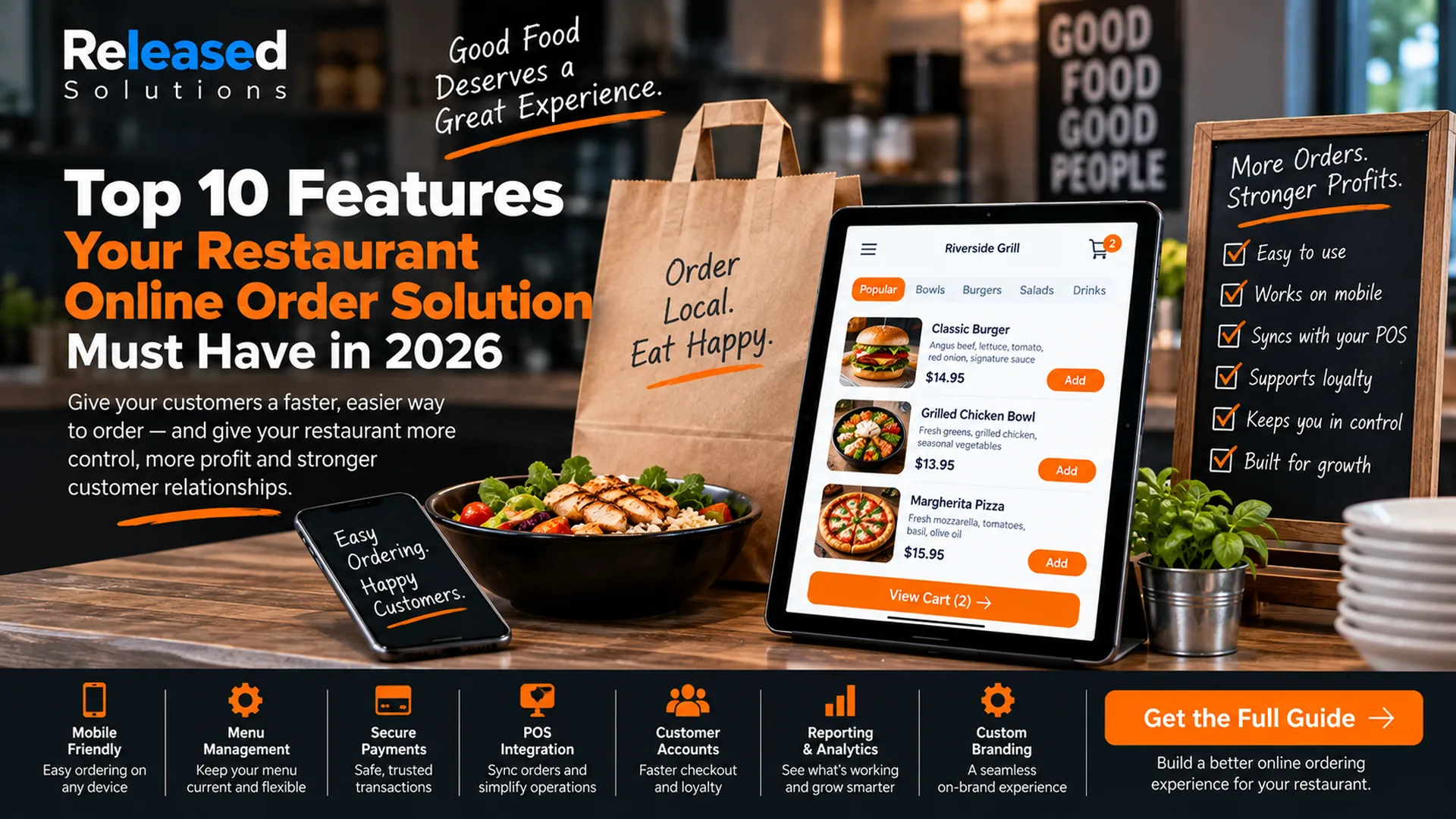

Top 10 Features Your Restaurant Online Ordering Solution Must Have in 2026
Restaurant online ordering has changed dramatically since this article was first published.
In 2026, a good ordering system is not simply a digital menu with a checkout button. It can connect the restaurant's website, point of sale, kitchen, delivery workflow, loyalty program, customer data, marketing, Google discovery, and reporting.
That means choosing an online ordering solution should be treated as a technology and customer-experience decision, not just a website feature.
The best online ordering system should make ordering easier for the customer and operations easier for the restaurant at the same time.
The 2026 Restaurant Online Ordering Feature Table
| Must-have feature | Customer benefit | Restaurant benefit |
|---|---|---|
| 1. Mobile-first UX | Easy ordering on a phone | Higher-quality ordering experience with less friction |
| 2. Menu management | Accurate menu and availability | Fewer manual updates and fewer unavailable-item problems |
| 3. POS + kitchen integration | Faster, more accurate fulfillment | No re-keying and better operational flow |
| 4. Fulfillment controls | Realistic pickup / delivery promises | Capacity, radius, and lead-time control |
| 5. Secure payments | Fast, trusted checkout | Cleaner payment and reconciliation workflow |
| 6. Accounts + loyalty | Faster reorder and rewards | Stronger repeat-customer relationship |
| 7. Offers + upsells | Relevant add-ons and promotions | Opportunity to improve order value |
| 8. Analytics + attribution | More relevant experiences over time | Know what sells and which channels work |
| 9. Brand + accessibility + discovery | Consistent, usable experience | Own the direct ordering experience and be easier to find |
| 10. Reliability + integrations + support | Ordering works when customers need it | Scalable revenue infrastructure with fewer operational surprises |
Below, each feature gets its own numbered card with a What to look for checklist so you can score any vendor demo against the ten categories.
Mobile-First Ordering Experience
Customers should be able to move from menu to payment quickly on a phone without pinching, zooming, hunting for buttons, or creating unnecessary friction.
Real-Time Menu and Availability Management
The online menu should reflect what the kitchen can actually sell. Out-of-stock items, time-based menus, location differences, and modifiers should not require a separate manual cleanup process.
Direct POS and Kitchen Integration
Online orders should flow into the same operational system as in-store orders whenever possible. Manual re-entry adds labor and creates opportunities for delayed, duplicated, or incorrect tickets.
Flexible Fulfillment Controls
Pickup and delivery are not one workflow. Restaurants need to control lead times, capacity, service areas, and fulfillment options so online demand does not overwhelm the kitchen.
Secure, Flexible Payments
The checkout needs trusted payment processing and payment options customers expect, without making the restaurant maintain a separate payment environment it cannot manage.
Customer Accounts, Loyalty, and Easy Reordering
A direct ordering system becomes more valuable when it helps turn a transaction into a repeat customer relationship.
Offers, Upsells, and Merchandising
The ordering interface should help the restaurant sell, not merely list menu items. Thoughtful upsells can improve the order while making relevant additions easier to discover.
Analytics, Attribution, and Customer Insights
The restaurant needs to know what is selling, which channels create orders, and whether customers return. Gross online sales alone are not enough. Combine this with digital marketing attribution for a complete picture.
Brand Control, Accessibility, and Discoverability
Direct ordering should feel like the restaurant, work for customers with different needs, and be discoverable from the places people search.
Reliability, Scalability, Integrations, and Support
Online ordering is revenue infrastructure. It must survive a dinner rush, support growth, and connect with the rest of the restaurant technology stack.
Order Like a Customer
Place a mobile order. Add modifiers. Remove an item. Apply a promotion. Choose pickup or delivery. Pay. Request a refund. Where does the system slow you down or confuse you?
Follow the Ticket Into the Kitchen
Mark an item unavailable. Change a price. Pause ordering. Watch the ticket land on the kitchen display or printer. Does the operator have to re-key anything or babysit a tablet?
Then Look at the Reporting
Can you see orders, revenue, AOV, item mix, and channel source? Can you export or connect it to your other systems? Reporting that only lives in a vendor dashboard is a ceiling on the strategy.
A Feature List Is Not Enough: Test the Workflow
A vendor can check every box on a feature sheet and still create a poor restaurant workflow. Before committing, test the experience as both a customer and an operator.
The objective is to find where the system creates extra work, confusion, or loss of control.
"Show me what happens from the moment a customer taps Order Now until the kitchen completes the ticket and the transaction appears in reporting."
Direct Ordering Should Support Your Restaurant Delivery Strategy
Online ordering and delivery are related, but they are not the same technology decision.
A restaurant may use its own direct ordering experience while outsourcing delivery fulfillment. It may also use third-party marketplaces for discovery while maintaining direct ordering for customers who already know the brand. Read Which Food Delivery Solution Is Best for Your Restaurant? for how the two decisions fit together.
The ordering platform should therefore be evaluated alongside the restaurant's larger off-premise strategy, including marketplaces, pickup, delivery radius, food quality, packaging, and customer acquisition.
What Modern Platforms Show Us About the 2026 Standard
Current restaurant platforms illustrate how much the category has expanded. Toast's online ordering product currently emphasizes real-time menu and POS integration, fulfillment options, loyalty, promotions and upsells, order-volume management, customer data, and Google ordering / discovery integrations.
Square's 2026 restaurant updates include time-based availability, delivery-radius settings, fulfillment workflows, multi-channel menu management, and integrations that route marketplace orders into restaurant operations.
The point is not that every restaurant needs every feature from one vendor. It is that restaurant owners should expect online ordering to connect with the rest of the operation.
Do You Need a Branded Mobile App Too?
Not necessarily. A mobile-first web ordering experience can serve many restaurants without requiring customers to install an app. A branded app becomes more compelling when the restaurant has enough repeat behavior to make saved payments, favorites, loyalty, push notifications, and fast reordering genuinely useful.
Choose the customer experience first. Then decide whether an installed app improves it.
Customer Experience
Mobile-first, fast, and clear. The order should get through in a minute on a phone.
Kitchen Operations
POS + kitchen integration, throttling, fulfillment controls, no tablet re-keying.
Repeat Revenue
Accounts, loyalty, saved payments, easy reorder, consent-aware email and SMS.
Data + Portability
Reporting, exports, integrations, and clear ownership of domain and customer data.
The Questions I Would Ask Before Choosing a System
| Question | Why it matters |
|---|---|
| Does it integrate with our current POS and kitchen? | Avoid duplicate systems and manual re-entry. |
| Can we control the menu from one place? | Menu drift creates customer frustration and staff work. |
| What happens during a rush? | You need capacity controls, realistic lead times, and pause options. |
| Can we support pickup, delivery, and scheduled orders? | Fulfillment needs vary by restaurant and daypart. |
| Who owns the domain, customer data, and accounts? | Avoid building a direct channel you do not truly control. |
| How are loyalty and repeat orders handled? | Direct ordering should strengthen retention. |
| What reporting can we export? | The restaurant needs data beyond a vendor dashboard. |
| Can marketing attribution be connected? | You should be able to understand which campaigns generate direct orders. |
| How does it handle accessibility and mobile ordering? | The ordering experience needs to work for real customers. |
| What happens if we change providers? | Know how domains, customer data, menus, and reporting can be moved. |
Score the System, Not the Sales Presentation
I recommend scoring each platform against the restaurant's actual requirements instead of choosing based on the longest feature list.
A small independent restaurant may prioritize mobile ordering, menu control, POS integration, pickup, loyalty, and simple reporting. A multi-location operation may put more weight on centralized menus, permissions, APIs, delivery aggregation, and location-level analytics.
The right system is the one that removes friction from the customer journey while fitting the restaurant's operating model.
Restaurant Online Ordering Feature Checklist
Score any vendor against the 10 must-have features on a printable one-pager. Free download, no form.
The Takeaway
Online ordering is no longer an optional bolt-on for many restaurants. It is part of the restaurant's digital storefront.
The technology should make it easier for customers to buy, easier for employees to fulfill orders, easier for the restaurant to understand its customers, and easier for the business to grow without creating unnecessary operational complexity.
Do not ask only, "Can customers order online?"
Last fact-check: September 2026
Build the Ordering Experience Around the Restaurant
Released Solutions helps restaurants connect websites, online ordering, digital advertising, analytics, automation, and customer acquisition into practical systems.
If you are between three vendor demos and cannot tell which one fits your kitchen, we can help you score them against a real restaurant workflow.
Choose the ordering system your kitchen can live with. Not the one with the prettiest demo.
Kenneth Durrum, Released Solutions