
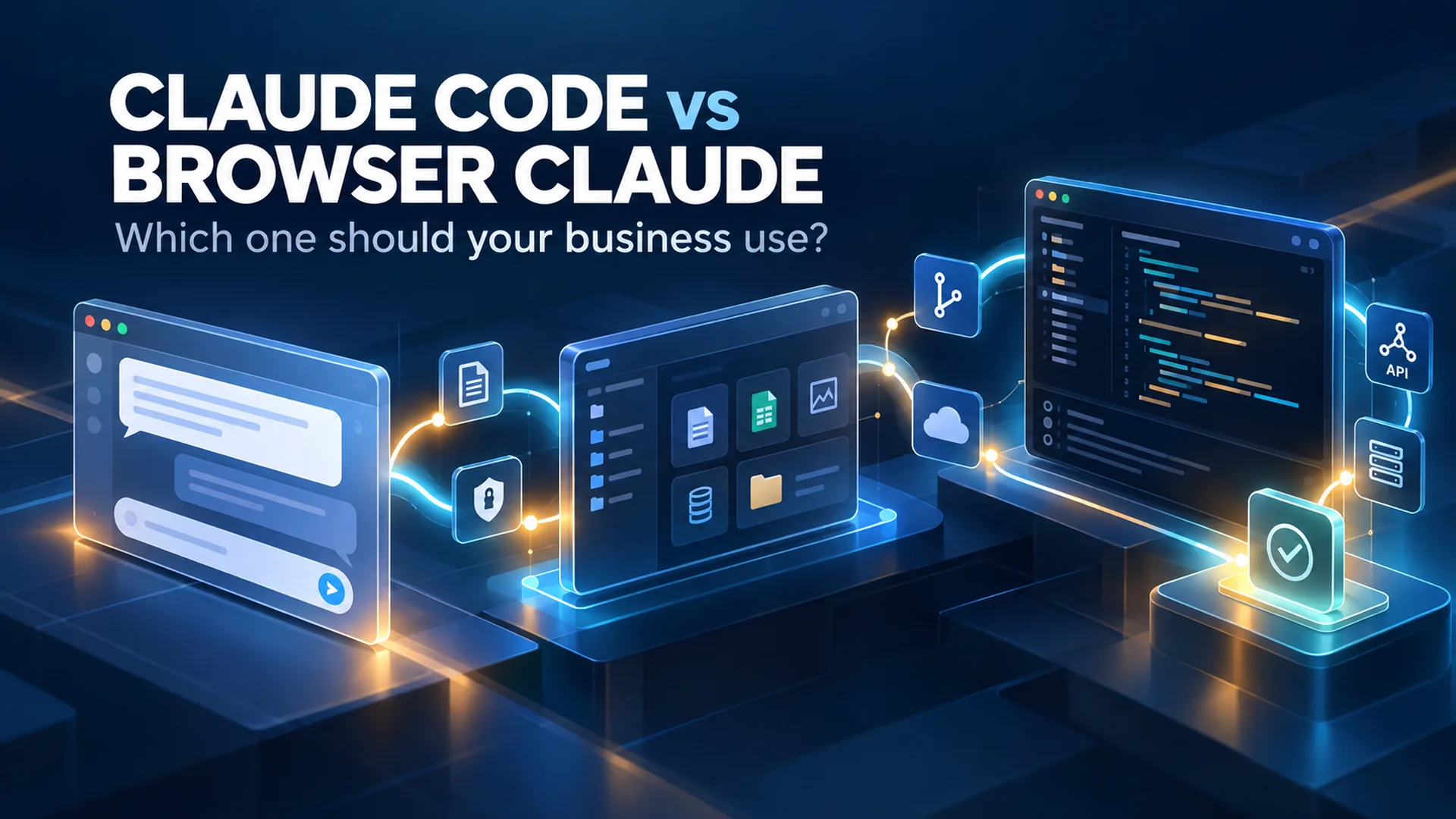

Claude Code vs Browser Claude Which One Should Your Business Use
Claude can answer a question in a browser, work through a project in Cowork, or operate inside a development environment through Claude Code. Those experiences may share an AI model, but they do not give the AI the same context, tools, permissions or ability to act.
That difference matters to a business owner. The best choice is not automatically the most powerful interface. It is the environment that gives the AI enough access to complete the job, while keeping the work understandable, reviewable and limited to what you intended.
My short answer: I prefer Claude Code for serious development work. I do not necessarily recommend that everyone start there. Browser Claude is the easiest place to think and ask questions. Cowork can be the bridge for people who need more than a chat window but are not ready to live in a terminal.
The Interface Changes the Job
People often compare AI products as if the model is the entire product. In practice, the surrounding environment determines what the AI can see and what it can do. A browser conversation may help diagnose a WordPress problem. A connected workspace may help organize and revise the related files. A development environment may inspect the project, run commands, change files, test the result and show exactly what changed.
I think of the three experiences this way:
| Dimension | Browser Claude | Cowork | Claude Code |
|---|---|---|---|
| Best starting point | Questions, explanations, drafting and decisions | Multi-step work with files and connected tools | Development and system work inside a technical environment |
| Typical context | Conversation, uploads and available connectors | Connected files, folders, connectors and task context | A codebase, shell, Git, tools and configured services |
| Technical barrier | Lowest | Middle | Highest, especially in a terminal-first setup |
| Strength | Fast thinking and communication | Approachable bridge from conversation to action | Deep inspection, editing, commands, testing and verification |
| Main caution | Advice can be mistaken for completed work | Connected access and cloud processing must be understood | Broad credentials or unchecked commands can create broad consequences |
These are not rigid boxes, and the product boundaries continue to evolve. The useful question is not, Which Claude is smartest? It is, What environment and level of access does this task require?
Browser Claude Is the Easiest Place to Begin
Browser Claude is a strong starting point when the work is primarily conversational. I can explain a problem, paste an error, upload a document, compare approaches, develop a plan or ask Claude to help me understand a technical decision in plain language.
For a business owner, that is valuable. You do not need to know how to open a terminal, navigate a file system or configure a development environment before you can get useful help. The browser reduces the setup burden and keeps the interaction familiar.
The limitation appears when advice needs to become action. A browser answer can tell me what file probably needs to change, what command a developer might run or how an SSH key should be created. Unless the session has the right connected tools and permissions, it may not be able to inspect the real environment, make the change or verify the result. A convincing answer is not the same thing as completed work.
The practical distinction: Browser Claude is excellent for understanding the problem. It is not automatically standing inside the system where the problem lives.
Cowork Is the Bridge Between Conversation and Execution
Cowork is important because it makes longer, multi-step work more approachable. A person can connect approved files or folders, provide business context and ask for an outcome without first learning a developer's entire toolchain. That can turn Claude from a question-and-answer partner into a working collaborator.
This is the bridge I see for business owners and team members who are comfortable directing work but are not comfortable operating a command line. They can review a plan, see progress, approve sensitive steps and receive finished files. A developer can establish the technical connections and guardrails behind the scenes.
The convenience does not remove the need to understand access. Current Anthropic guidance says new Cowork sessions generally run in isolated cloud environments, and local files opened through the desktop connection may be processed on Anthropic's servers. Connected folders and tools still need deliberate scoping. The right question is not only whether Cowork can reach a file. It is whether that file should be available to the task at all.
I Have a Bias Here I Love the Terminal
I do not want to hide my preference. I have a bias here. I love the terminal.
For the way I work, a command-line interface does not add friction. It removes it. I can inspect a project, search files, use Git, connect through SSH, work with an API, review logs, interact with Cloudflare and move between local and remote systems without constantly changing tools. Claude Code fits naturally into that environment because it can work with the project and the tools already available there.
I recently worked with someone who had never used the Terminal application on their computer. The challenge was not simply learning Claude Code. We first had to find the terminal, understand what it was, identify missing tools and work through the setup required for SSH access. Even generating and installing a public SSH key required guidance.
That experience reinforced an important point: the AI may make development more approachable, but the environment around it can still assume technical literacy. Paths, packages, repositories, credentials, keys and permissions are not self-explanatory to someone encountering them for the first time.
This is why I can prefer Claude Code without treating it as everyone's starting point. For me, the terminal is the cockpit. For another person, it may be the first obstacle.
WordPress Shows Why the Environment Matters
WordPress is a useful real-world example because many business owners understandably equate control of the website with access to the WordPress dashboard. The dashboard is important, but it is only one layer of the system.
A WordPress website may also involve server files, configuration, a database, hosting controls, DNS, caching, a CDN, GitHub repositories, deployment processes, APIs and WP-CLI. Some work belongs in wp-admin. Other work is safer or more efficient through SSH, version control, a command-line tool or a purpose-built API.
In the browser, Claude can help explain a plugin conflict or draft code. Inside a properly configured development environment, Claude Code can inspect the relevant files, trace how the site is built, use Git to preserve a history, run available tests or checks and help verify whether the change solved the problem. If the environment includes authorized Cloudflare or hosting access, it may also help coordinate the surrounding infrastructure.
WordPress is not the only platform that can benefit. Any platform becomes a stronger candidate for AI-assisted work when it exposes a useful CLI, API or MCP connection. What the AI can actually do still depends on the platform, the available tools, the credentials, the permission scope and the quality of the verification process.
Permission Is Part of the Design
The more capable the environment becomes, the more important the permission model becomes. I do not want an AI system to receive every key simply because one task requires one door.
Minimum-access principle: Give the AI the smallest practical amount of access for the specific job, for the shortest practical time, with a clear way to review and reverse the result.
That may mean read-only access before write access, a staging site before production, a narrowly scoped API token instead of a global key, one connected folder instead of an entire drive, or a repository-specific credential instead of access to every project. Secrets should remain in an appropriate credential store, not be copied into prompts or project instructions.
The same principle applies to people. The business owner should own the primary accounts and recovery process. The developer should receive the access required for the engagement. The AI should operate within the permissions required for the approved task. More access is not automatically better automation.
My Five Step Workflow for Safe AI Assisted Work
Whether I am using browser Claude, Cowork or Claude Code, I want the work to move through a visible sequence. This is how I keep speed from turning into guesswork.
Inspect
Understand the real system before changing it. Review the request, files, current configuration, dependencies, access and evidence of the problem.
Plan
State what should change, what should remain untouched, which tools are required and how the result will be tested or rolled back.
Approve
Let the business owner or responsible person approve the plan, the access and any step with meaningful operational, financial, security or customer impact.
Act
Make the smallest coherent change in the appropriate environment. Preserve history, backups or a staging path when the risk justifies it.
Verify
Check the actual result. Review the diff, run the test, open the page, confirm the record or compare the before-and-after state. Do not confuse tool activity with success.
The Real System Is Business Owner Plus AI Plus Developer
I do not see this as a contest between the business owner, the AI and the developer. The best result comes from giving each participant the right role.
Cowork can make that ecosystem accessible to someone who may never want to learn the terminal. Claude Code can give the developer a much deeper operating environment. Browser Claude remains useful for thinking, explaining and deciding. The interfaces work best when they are treated as different entry points into the same collaboration, not as replacements for every other role.
From Vibe Coding to Auto Magic
I often use the phrase auto magic. It describes the moment when a complicated system begins to feel simple: the business owner states the goal, the right context is available, the approved tools do the work and the result comes back in a form everyone can understand.
But good auto magic is not magic at all. Someone designed the permissions. Someone connected the systems. Someone decided what required approval. Someone verified the outcome. The simplicity the business owner experiences is the result of good structure behind the scenes.
The goal is not autonomous chaos. The goal is a dependable system that feels easy because the business owner, AI, developer and underlying tools are working together.
Which Claude Experience Should You Choose
Browser Claude
Start with browser Claude when you need to understand, compare, draft or plan and the work does not require direct access to the operating environment.
Cowork
Use Cowork when the task spans approved files, folders or connected tools and a conversational, reviewable workflow is more appropriate than a terminal-first setup.
Claude Code
Use Claude Code when the job requires project-wide inspection, file changes, shell commands, Git, tests, SSH or development tools and someone can manage that environment responsibly.
Developer
Bring in a developer when setup, credentials, production systems, security, architecture or rollback requirements exceed the business owner's comfort level.
I prefer Claude Code because it matches the way I already work. That is a preference, not a universal prescription. The right starting point is the one that lets you make progress without pretending away the technical and security responsibilities underneath the interface.
Ready to Put AI to Work Without Giving Up Control
Released Solutions helps business owners connect their website, content, data and approved tools to an AI-assisted workflow they can actually use. We can identify what belongs in browser Claude, Cowork or a development environment, build the access framework and step in when the work needs experienced technical judgment.