
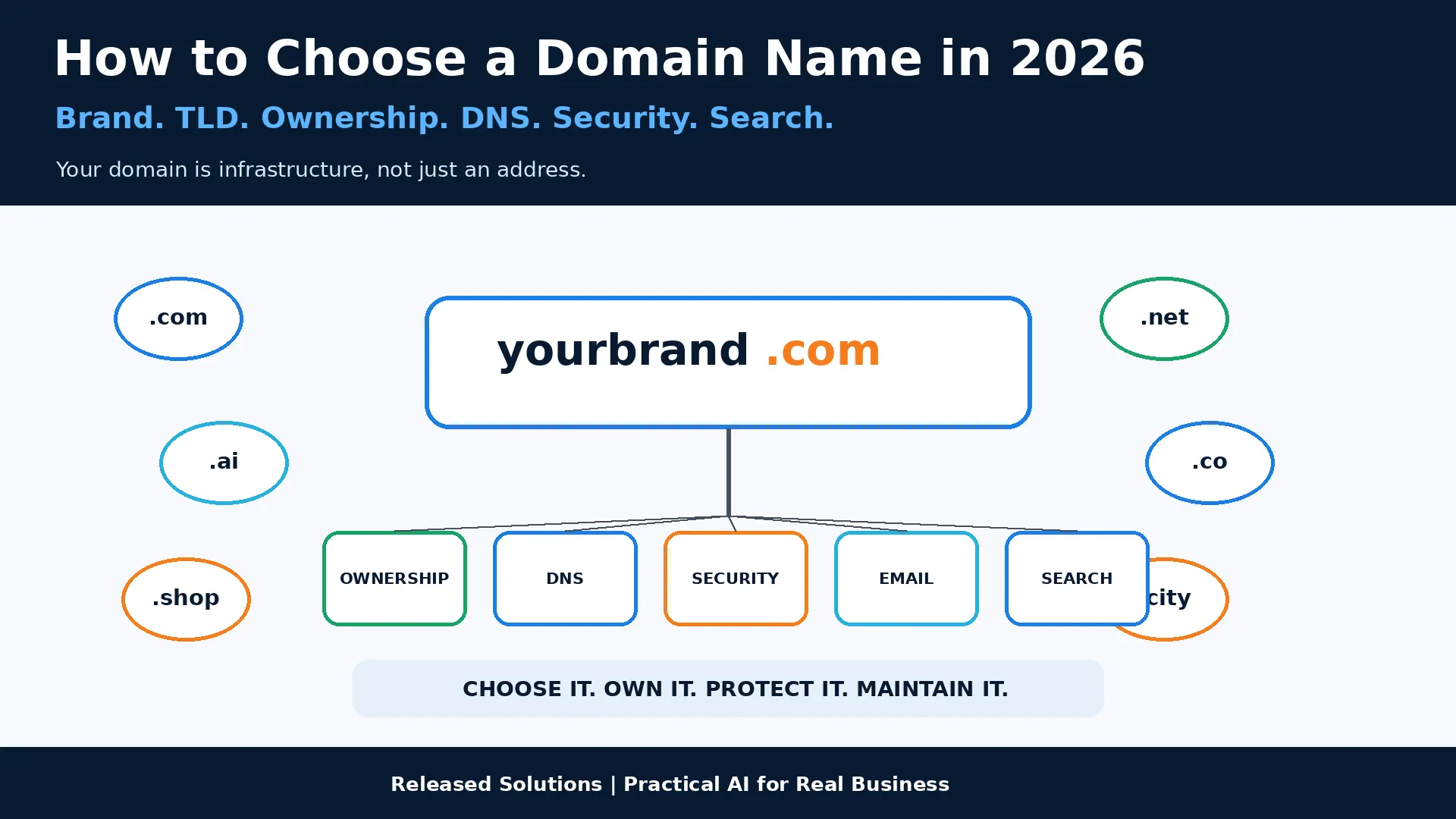

How to Choose a Domain Name in 2026: Brand, TLDs, Ownership, Security and Search
A lot of old domain-name advice can be reduced to a few rules. Get the .com. Put a keyword in it. Keep it short. Do not use hyphens. Buy a few variations. Some of that advice still has value.
But the domain-name system is much larger today, search has changed, branding has changed, internationalized names exist, businesses depend more heavily on email authentication and DNS, and the terminology itself has become more important. In 2026, choosing a domain is not simply a naming exercise. It is a decision about brand, customer trust, ownership, infrastructure and long-term flexibility.
Your domain is a long-term brand, identity, ownership and technical asset that affects how customers find, recognize, trust and contact your business.
My framework: BRAND → NAME → TLD → OWNERSHIP → DNS → SECURITY → SEARCH → MAINTENANCE.
Brand, Name, TLD, Ownership: A Modern Domain Framework
A domain sits underneath a website, email, brand identity, DNS, search presence, analytics and customer trust. Treat it that way.
A domain sits underneath the website, email, brand identity, DNS, search presence, analytics and customer trust. Treat it that way.
Brand First, Extension Second
A clean, memorable name on the right TLD beats a stuffed keyword phrase on any extension.
Ownership Is a Business Question
The business, not the vendor, should hold the registrar account, DNS host access and recovery paths.
Migration Is a Project, Not a Rename
Website, email, analytics, verification and third-party integrations all need attention when the domain changes.
BRAND, NAME, TLD, OWNERSHIP, DNS, SECURITY, SEARCH, MAINTENANCE
Learn the Language First
Domain conversations get confusing because people use several terms as though they mean the same thing. They do not.
| Term | What it actually means |
|---|---|
| Domain name | A human-readable name in the Domain Name System (e.g. releasedsolutions.net). |
| TLD | The top-level domain, the part after the final dot. |
| gTLD | A generic TLD such as .com, .org, .net or many newer extensions. |
| ccTLD | A country-code TLD associated with a country or territory (e.g. .uk, .de). |
| Registrable domain | The portion a registrant registers under the applicable public suffix (e.g. example.com). |
| Subdomain | A name below the registrable domain (e.g. shop.example.com). |
| Hostname | A DNS name identifying a host or service. Can include subdomains. |
| URL | The complete address of a resource, including protocol, host, path and more. |
| DNS | The Domain Name System that translates names into technical records. |
| Registry | The organization operating a TLD's infrastructure and database. |
| Registrar | The company through which a registrant registers and manages a domain. |
| Registrant | The person or organization holding registration rights. |
| Nameservers | The servers that answer authoritative DNS queries for the domain zone. |
The TLD Landscape Is Much Bigger Than .com
ICANN's 2012 round introduced more than 1,200 new gTLDs. The 2026 application window closed in August 2026 with more than 1,600 primary applications reported at close (final total depends on evaluation-fee payment). The namespace is still evolving. More options are not the same as an easier decision.
| Extension type | Where it fits | Watch-outs |
|---|---|---|
| .com | Strong familiar default; wide recognition across geographies and industries. | Not a universal requirement; a good alternative can beat an awkward .com. |
| New gTLDs | Can align with an industry, community, brand or concept and create memorable pairings. | Understandable? Memorable? Speakable? Renewal cost? Will people type .com by mistake? |
| ccTLDs (country) | Strong geographic signal for a country-focused business. | Google treats some ccTLDs (.ai, .co, .io, .me, .tv) as generic; recheck current guidance. |
Choosing a Name That Actually Works
.com remains a strong default because customers know it, but a good business does not have to use one. Ask which domain creates the clearest, most trustworthy and most durable identity.
Say the domain out loud. Could someone type it after hearing it once? Watch for unusual spellings, running words, homophones, numbers as digits vs words, hyphens that need explanation and repeated letters at word boundaries. Memorability beats character-count contests.
Choose the Brand Before Chasing Keywords
Google's guidance focuses on helpful content, crawlable links and descriptive language throughout the site. Google explicitly says the TLD itself does not provide a ranking advantage simply because of the extension. Choose the domain for brand and trust, then optimize the site for the search work.
Related reading: how people find your content, online marketing strategy.
Check Trademarks, Brands and Domain History
Before investing heavily in a name, check for existing companies, trademarks and confusingly similar identities. A registrar telling you a name is available is not a legal opinion. This article is not legal advice; obtain counsel when the risk or investment justifies it.
| Domain history check | What to look for |
|---|---|
| Prior use | Was this domain previously used, and for what? |
| Search results | Do search results reveal a reputation problem for the name? |
| Spam / scam signals | Is the name associated with old spam, phishing or unrelated industries? |
| Web archives | Screenshots and captures can reveal what the site used to be. |
| Current security signals | Warnings, blocklists or unusual DNS records associated with the name. |
Google Search can display a site name above a search result. The site name is different from a page title and can differ from the literal domain. Google recommends WebSite structured data on the home page to indicate the preferred site name with a canonical home-page URL. Domain strategy and brand strategy should work together without pretending they are the same thing.
RDAP Replaced WHOIS in 2025
RDAP (Registration Data Access Protocol) supports structured registration data, internationalization, secure access and differentiated access to nonpublic data. Public records may still be restricted or redacted. When you need current gTLD registration info, RDAP is the modern term and protocol.
The Business Should Control the Domain
An agency, developer or employee can manage the domain. That is different from owning the business's digital identity in an account the business cannot access.
| Ownership control point | What the business must know |
|---|---|
| REGISTRAR | Where the domain is registered. |
| ACCOUNT | Who owns the login and controls billing. |
| RECOVERY | Which email and phone number handle account recovery. |
| DNS | Where authoritative DNS is hosted, separate from the registrar. |
| NAMESERVERS | Current nameserver assignments and any secondary providers. |
| EXPIRATION | Next renewal date and calendar reminder. |
| AUTO-RENEW | Enabled with a current payment method. |
| PAYMENT | Credit card or invoice status current, not on a departed employee. |
| TRANSFER LOCK | Domain lock / transfer lock enabled where supported. |
| VENDOR ACCESS | Which agencies, developers or IT providers have access. |
If someone takes control of the registrar account, the problem can extend far beyond the website: DNS changes, redirected websites, email interference, transfer attempts and broken verification records. Registrar security is business security.
| Security control | Baseline behavior |
|---|---|
| MFA | Enabled on registrar, DNS host and recovery email account. |
| UNIQUE PASSWORD | Not reused across systems; stored in a password manager. |
| RECOVERY SECURITY | Recovery email and phone protected as tightly as the registrar itself. |
| DOMAIN LOCK | Transfer lock enabled to block unauthorized transfers. |
| ACCESS REVIEW | Remove access when staff or vendors leave. |
DNS, Email and HTTPS Are Part of the Asset
Registering the domain and operating DNS are related but separate functions. A DNS or migration mistake can therefore break more than the home page.
| Infrastructure layer | What lives here |
|---|---|
| Website | A / AAAA / CNAME records pointing to the web host. |
| MX records + SPF, DKIM and DMARC records for authentication. | |
| Verification | TXT records for platforms that verify domain ownership. |
| Security | CAA, DNSSEC, and any protective records the business uses. |
| HTTPS | Certificate coverage for apex and subdomains, renewed automatically. |
Related: SSL and HTTPS, short links.
Changing Domains Is a Migration, Not a Rename
Buying a new name is the easy part. Migrating the identity correctly is the real project.
| Migration step | What to do |
|---|---|
| URL MAP | Map each old URL to the most relevant new URL, not the home page. |
| 301 REDIRECTS | Permanent server-side redirects, tested for every mapped URL. |
| CANONICALS | Update rel=canonical to the new domain. |
| INTERNAL LINKS | Sweep internal links to point at the new canonical. |
| SITEMAP | Publish an updated sitemap and update lastmod. |
| SEARCH CONSOLE | Verify the new property, submit sitemap, request indexing. |
| ANALYTICS | Update GA4 configuration, cross-domain if the migration is partial. |
| EMAIL AUTH | Migrate SPF, DKIM, DMARC and any verification records. |
| THIRD-PARTY SYSTEMS | Update CRM, forms, payment processors, ad platforms, review platforms. |
| KEEP OLD DOMAIN | Keep it registered and redirects maintained for the long term. |
Defensive Registrations and International Names
Defensive registrations can make sense for obvious misspellings, a critical .com or primary extension, a small number of extensions where impersonation is a real risk, and important regional domains. Buying every possible TLD becomes expensive and hard to maintain. The purpose is risk management, not collecting domains.
Visually similar Unicode characters can create confusion and phishing risk. Businesses serving multilingual audiences may have legitimate reasons to use internationalized names, but the decision should include browser behavior, email compatibility, security and how the name renders when converted to its ASCII-compatible representation.
Domain Selection Scorecard
Score each candidate 1-5. The winner is the domain with the strongest durable identity and the least unnecessary friction, not the highest keyword count.
| Factor | Question | Score 1-5 |
|---|---|---|
| Brand fit | Does it sound like the company you want to build? | _ |
| Memorability | Can people remember it after seeing or hearing it? | _ |
| Spelling | Can customers type it correctly without explanation? | _ |
| Pronunciation | Does it pass the radio test? | _ |
| TLD fit | Does the extension make sense for the audience and business? | _ |
| Trust | Does the complete domain look credible? | _ |
| Future flexibility | Can the business expand without the name becoming misleading? | _ |
| Legal / brand risk | Have confusingly similar brands and trademark concerns been investigated? | _ |
| History | Does the domain have a clean, understandable past? | _ |
| Email usability | Will it create practical professional email addresses? | _ |
| Ownership | Can the business register and control it directly? | _ |
| Cost | Are acquisition and renewal costs sustainable? | _ |
REGISTRAR know where the domain lives. ACCOUNT OWNER the business has ultimate access. MFA everywhere it is supported. RECOVERY email and phone protected. RENEWAL auto-renew, current payment. EXPIRATION tracked. LOCKS transfer / domain lock enabled. DNS host known. NAMESERVERS documented. CRITICAL DNS RECORDS web, email, verification and security. EMAIL AUTH SPF, DKIM, DMARC set. RDAP know how to look up current registration data. VENDORS access documented. OFFBOARDING access removed when relationships end. BACKUP PLAN the business can regain control if the primary administrator is unavailable.
Brand and TLD
Choose the identity that customers will remember, speak and type. Extension follows brand, not the other way around.
Ownership and Security
Registrar, DNS host, recovery email, MFA and transfer locks. All accounted for, all under the business's control.
DNS, Email and Search
Web records, SPF/DKIM/DMARC email authentication, site-name signals for search: a domain is infrastructure and identity.
Maintenance
Renewal, access reviews, DNS documentation and migration playbooks turn a domain from a purchase into an owned asset.
The Takeaway
Choosing a domain used to be treated like choosing a clever web address. It is much more important than that. Your domain sits underneath your website, email, brand identity, DNS, search presence, analytics, verification systems and customer trust.
The extension matters, but not because one TLD is a magic ranking trick. The words matter, but not because stuffing keywords into the domain replaces SEO. The length matters, but not because there is a perfect character count.
What matters is whether the domain is clear, memorable, trustworthy, defensible, secure, technically manageable and capable of growing with the business.
Want Help Protecting the Digital Assets Behind Your Business?
Released Solutions helps small businesses connect domains, DNS, websites, email, analytics, security and marketing so the business controls the infrastructure its digital presence depends on.
Related reading: SSL and HTTPS, website navigation, website engagement.
Want Help Protecting the Digital Assets Behind Your Business?
Released Solutions helps small businesses connect domains, DNS, websites, email, analytics, security and marketing so the business controls the infrastructure its digital presence depends on.
A domain is not a naming exercise. It is where brand, ownership, DNS, email and search identity meet.
Kenneth Durrum, Released Solutions