
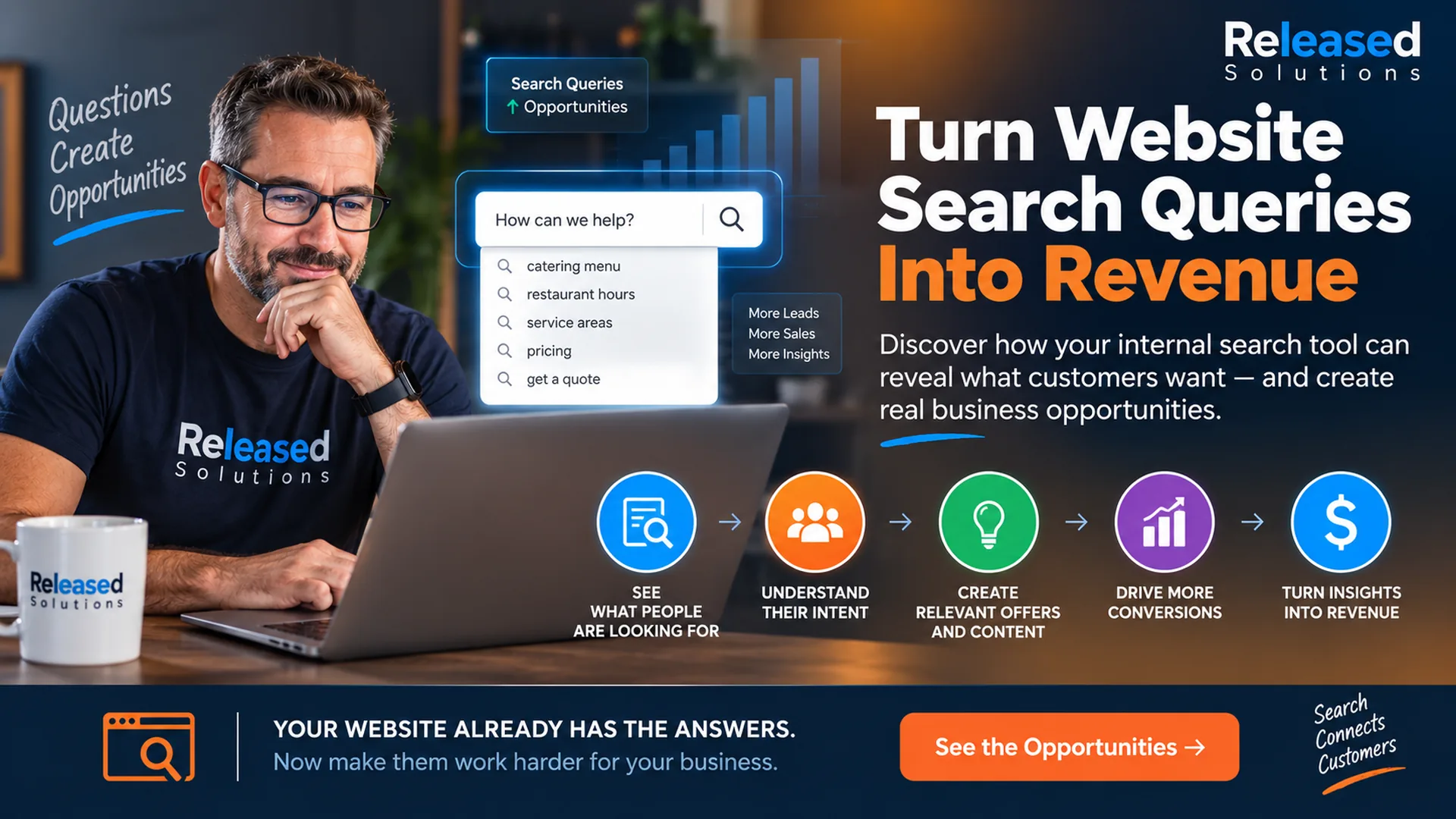

Turn Website Search Queries Into Revenue: What Your Visitors Are Telling You
Your customers may already be telling you exactly what they want. They do it every time they use the search box on your website.
When I originally created the Learning with Kenny video for this article, I described internal site search as a kind of "mind-reading" tool. The language was playful, but the underlying idea has held up remarkably well: a visitor who types a query into your website is voluntarily describing a need.
The difference today is that we have much better ways to capture that behavior, connect it to analytics, compare it with other customer signals, and turn it into useful business decisions.
A visitor who searches your own site is telling you what they expected to find. That can reveal content gaps, product demand, service interest, navigation problems, language customers actually use, and opportunities to improve conversion.
Why Internal Search Data Is Different
Google Search Console tells you about queries that helped people discover your website through Google. Your internal site search tells you what people looked for after they arrived.
Those are different moments in the customer journey.
Someone might arrive through a broad search, an advertisement, an AI citation, an email, or a direct visit and then search your site for pricing, a specific service, a location, a product model, financing, an appointment, a policy, or another detail that reveals stronger intent.
That second query can be extremely valuable because the person is already inside your digital property.
Five Ways to Turn Site Search Into Business Value
Discover What Visitors Cannot Find
Repeated searches often reveal information people expected to see but could not locate quickly. If dozens of visitors search for "pricing," "returns," "financing," "emergency service" or a specific product, the problem may be content, navigation, or both.
Create Content Around Real Customer Questions
Search terms can become an editorial research source. A recurring question may deserve an FAQ, service page, product guide, comparison, video, blog article, or clearer explanation on an existing page.
You are no longer brainstorming topics in a vacuum. Customers are supplying the vocabulary.
Match Offers to Intent
Some searches reveal commercial intent. If visitors repeatedly search for a particular service, product category, or solution, consider whether the results page should do more than list links. It may need a relevant call to action, contact path, appointment option, product filter, or helpful next step.
Improve the Website Experience
Internal search can expose weak information architecture. If users routinely search for something that should be obvious in navigation, your search data may be identifying a UX problem.
Search should help visitors, but it should not be required to rescue confusing navigation.
Connect Search Behavior to Conversion
The most valuable analysis asks what happened after the search. Did the visitor view a service page, submit a lead form, purchase, call, schedule, or leave?
When search terms can be connected with downstream behavior, they become more than a list of keywords. They become intent signals.
Enable Enhanced Measurement
Turn on Enhanced Measurement in your GA4 data stream. Site Search is one of the events it can auto-collect when the search results page uses a recognizable query parameter in the URL.
Register the Query Parameter
GA4 looks for common parameters by default: q, s, search, query, and keyword. If your search uses a different one, add it under the Site Search settings.
Verify view_search_results Fires
Watch the DebugView or real-time report while running a test search. Confirm the view_search_results event fires with the search_term parameter. If it never fires, the URL parameter is not recognized or the search page renders differently. That may need a GTM or custom implementation.
How GA4 Can Track Website Search Today
Google Analytics 4 can collect internal site searches through Enhanced Measurement.
When a search results page uses a recognizable query parameter in the URL, GA4 can trigger the view_search_results event and capture the search_term parameter. By default, GA4 looks for common parameters such as q, s, search, query, and keyword, and you can configure additional query parameters.
Google also provides a Site Search exploration example in GA4 Explore. That analysis can show which terms people search for and help identify opportunities to improve content, navigation, engagement, and user satisfaction.
Not every website exposes its search query in the URL. Sites using JavaScript search, custom interfaces, or unusual parameters may require a custom GA4 or Google Tag Manager implementation. The important part is verifying that the data is actually being collected before making decisions from it.
Do not send personally identifiable information to Google Analytics through search terms. A free-form search box can invite visitors to type names, email addresses, phone numbers, or other sensitive information. Measurement design needs to account for that risk. Google's Enhanced Measurement documentation places responsibility for PII handling on the site owner.
Do Not Automatically Turn Search Results Into Google Pages
There is another important distinction between internal search and external search.
A useful internal results page does not automatically need to become a page indexed by Google. Search-result URLs can create large numbers of thin, duplicate, or low-value pages, especially when every possible query generates a unique URL.
Google recommends controlling low-value content when appropriate and provides noindex as one way to keep pages out of Google Search while still allowing users to access them.
Use internal search to learn what deserves a permanent, useful page. Do not assume every visitor query should itself become an indexable page.
From Query to Opportunity: A Better Workflow
Collect the searches. Group similar terms. Identify recurring needs. Compare them with existing content. Look at what happens after the search. Prioritize the opportunities that matter to the business. Then improve the website and measure again.
For example, imagine a home-service company sees repeated searches for "sprinkler repair cost." That signal could lead to a pricing-expectations article, a clearer service page, an FAQ, a lead form tailored to sprinkler repair, a paid-search landing page, or a sales conversation about how customers ask for that service.
Collect
Enable Enhanced Measurement or GTM tracking for site search. Confirm queries land in GA4 without PII.
Group and Interpret
Cluster synonyms and misspellings. Identify recurring intents behind the words: pricing, service, location, comparison.
Improve
Add the missing page, sharpen navigation, tailor the offer, or clarify existing content the search revealed as weak.
Measure and Repeat
Watch downstream key events for those queries. Did engagement, conversions, or lead quality improve? Then move to the next opportunity.
Watch: Learning with Kenny, the Original Explanation
The Learning with Kenny video attached to the original article captures the original strategy and is part of the history of Released Solutions. I would keep it here, but introduce it as the original explanation rather than presenting every technical detail in the video as current platform documentation.
The technology has changed. The customer-intent principle has not.
Original walkthrough at https://www.youtube.com/watch?v=3yD_88muSYY. GA4 measurement and platform specifics have evolved since recording; the strategic idea is what still applies.
Search Data Can Also Improve Sales and Customer Service
Internal search should not live only inside an analytics report. Share recurring themes with sales, customer service, content teams, ecommerce managers, and operations.
Searches can reveal questions customers are reluctant to ask, terminology they prefer, products they expect you to carry, and problems they believe you solve. For a small business, even a modest amount of search data can become useful qualitative research when someone actually reviews it.
What About AI Search?
AI has made this idea even more interesting, not less. People are becoming accustomed to asking complete questions instead of typing two-word keyword phrases. That behavior can show up in website search too, especially when the interface feels conversational.
Those longer questions can reveal the language, objections, and context customers use when they describe a problem. That information can help shape human-readable content that is useful across traditional search, AI discovery, sales conversations, and your own website.
The goal is not to stuff those phrases into pages. It is to understand the question behind the query and answer it well.
What I Would Change From the Original Advice
I would keep the idea that site search can reveal what visitors want.
I would replace the old data-collection framing with GA4's current site-search measurement model. I would connect search terms to content strategy, UX, conversion measurement, sales, and customer service rather than treating the search tool as an isolated marketing trick.
I would add privacy safeguards, distinguish internal search from Google Search, and avoid automatically indexing search-result pages.
Most importantly, I would change the word "monetize" from a shortcut into a process.
The Takeaway: Your Customers Are Already Giving You Clues
A website search box can be one of the most honest feedback tools on your site. Visitors type what they want in their own words.
Capture that information responsibly. Look for patterns. Fix what is hard to find. Create what is missing. Connect high-intent searches to useful next steps. Measure what happens afterward.
If you want the measurement, content, and conversion pieces to work together, that is what Online Presence Management is built for.
Turn Website Behavior Into Better Business Decisions
Released Solutions helps small businesses connect websites, analytics, SEO, content, advertising, automation, and conversion strategy around real customer behavior.
If your website is collecting useful signals but nobody is turning those signals into action, we can help build the measurement and marketing system around them.
Your customers are already asking the questions. The opportunity is to listen.
Kenneth Durrum, Released Solutions