
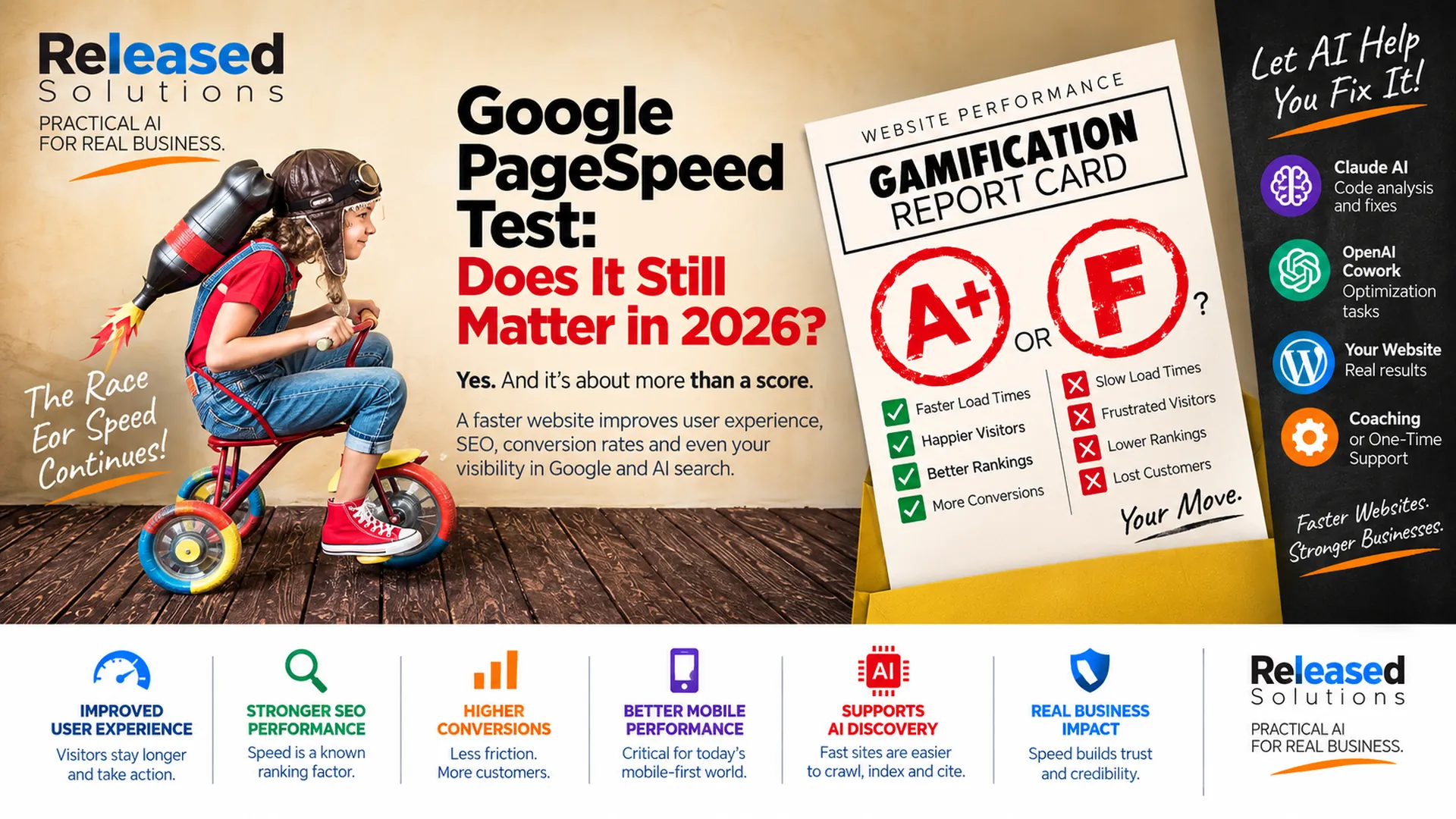

Google PageSpeed Test in 2026: Does Your Score Really Matter?
When I originally wrote about Google's PageSpeed test, website owners were already becoming obsessed with the score. Get a 90 and celebrate. Get a 60 and panic. Get a 100 and assume the website is perfect.
That was never the best way to think about performance. It is even less useful in 2026.
Google PageSpeed Insights still matters. Core Web Vitals still matter. Website speed still matters, which is why it belongs in ongoing website maintenance and optimization. But the score is not the business objective. The objective is a website that loads quickly, responds when people interact with it, stays visually stable, supports search visibility and helps customers complete what they came to do.
My updated framework is: MEASURE → DIAGNOSE → PRIORITIZE → FIX → VERIFY → MONITOR. And lately, another major change has entered how I do that work: I connect AI coding tools to WordPress environments through SSH and let them inspect the actual site stack.

Optimize it to serve the customer and the business. The score is a diagnostic, not the objective.
First: What Does PageSpeed Insights Actually Measure?
PageSpeed Insights combines two different kinds of evidence.
FIELD DATA reflects real-world Chrome user experiences when enough Chrome User Experience Report data is available. LAB DATA uses Lighthouse to run a controlled performance audit and identify opportunities and diagnostics.
Those two views can disagree, and that does not mean one is broken. A lab test is a simulated test under defined conditions. Field data reflects actual users across different devices, networks and circumstances. A site can perform well in a single Lighthouse run and still have real users experiencing problems. It can also have limited field data, especially on lower-traffic pages.
That is why I do not treat the PageSpeed score as the final verdict.
The cost of moving a site from 92 to 100 may not produce the same business value as fixing a broken conversion event, improving a landing page or reducing a serious LCP problem on a high-traffic mobile page. Treat the score as a diagnostic indicator, not a vanity metric.
Diagnostic, Not Verdict
The score points at problems worth investigating. It does not decide whether the customer experience is acceptable.
Users, Not Lab Rats
Real Chrome users at the 75th percentile matter more than a single Lighthouse run on unlimited bandwidth.
Fix Causes, Not Colors
The green bar is a byproduct of doing the right work. Chasing the color instead of the cause creates new problems.
MEASURE, DIAGNOSE, PRIORITIZE, FIX, VERIFY, MONITOR
Six Stages of a Modern Performance Workflow
MEASURE: START WITH THE RIGHT EVIDENCE
Begin with PageSpeed Insights, Core Web Vitals, Search Console and any other relevant performance evidence. Look at both field data and lab data. Note which pages are affected, whether the problem is mobile or desktop, and whether the issue is loading, responsiveness or visual stability. If there is not enough field data, use origin-level data or lab audits and be honest about the limits.
DIAGNOSE: SEPARATE THE ACTUAL CAUSES
Determine what is actually causing the problem. Separate server response, WordPress configuration, theme, plugins, assets, JavaScript and third-party issues. Common contributors include oversized images, heavy themes and page builders, too much JavaScript, third-party scripts, advertising and tracking tags, unnecessary plugin work, slow database queries, weak caching, weak hosting, slow server response, fonts, render-blocking resources, large DOM structures and unoptimized CSS.
PRIORITIZE: FIX THE PROBLEMS THAT MATTER MOST
Not every finding is equally valuable to fix. Sort by user impact and business impact. A serious LCP problem on the highest-traffic mobile landing page is not the same as a minor CLS on a page nobody visits. If the site is spending money on advertising, prioritize the pages that receive paid traffic. If organic search is the priority, focus where the support plan already tracks Search Console signals.
FIX: MAKE TARGETED, TESTABLE CHANGES
Make one meaningful change at a time. Use AI-assisted analysis and implementation where it improves the work, but preserve backups, staging or rollback options first. Do not stack "performance" plugins on top of unresolved problems: complexity is a performance cost too. Verify that the change is compatible with existing analytics, advertising tags, forms and CRM integrations before considering it done.
VERIFY: RETEST BOTH THE SPEED AND THE SITE
Retest the affected pages in PageSpeed Insights and, where the data is available, in Search Console's Core Web Vitals report. Then verify that forms, navigation, conversion tracking, chat, call tracking and any other important functionality still work. A site that loads faster but stops recording leads is not an improvement. Confirm the fix did not create a different problem.
MONITOR: TREAT PERFORMANCE AS AN ONGOING SIGNAL
Performance changes over time as plugins update, content grows, ads change, scripts are added and integrations shift. Watch Core Web Vitals in Search Console, watch PageSpeed on the highest-value pages, and treat sudden movement as a signal to investigate rather than a reason to panic. Performance work is not a one-time project.
Online Presence Readiness Assessment
Is your business ready to market online?
Answer 20 quick questions while we scan your website for tracking, ad pixels, structured data, search basics, speed and contact paths. Get a scored readiness report, free.
The Core Web Vitals That Matter in 2026
Google evaluates Core Web Vitals using the 75th percentile of page loads, separately across mobile and desktop. INP replaced First Input Delay as a Core Web Vital, which is one reason an older article about PageSpeed needs a major update.
| Metric | What it measures | Good threshold |
|---|---|---|
| Largest Contentful Paint (LCP) | Loading performance of the main content. | 2.5 seconds or less |
| Interaction to Next Paint (INP) | Responsiveness when users interact with the page. | 200 ms or less |
| Cumulative Layout Shift (CLS) | Unexpected visual movement. | 0.1 or less |
Lab Data vs Field Data
Knowing which kind of data you are looking at changes which fix is worth making. PageSpeed Insights shows both when it can. Read them together.
| Lab data (Lighthouse) | Field data (CrUX) |
|---|---|
| Controlled environment, defined conditions. | Real Chrome users across real devices and networks. |
| Repeatable, useful for debugging. | Reflects experience customers actually had. |
| Every URL can be tested. | Requires enough Chrome traffic to gather samples. |
| Same result on the same code. | Varies with the audience and their conditions. |
| Best answer: why is this slow? | Best answer: is anyone actually being hurt by it? |
My New Workflow: AI as a WordPress Performance Coworker
This is where my own process has changed significantly. Lately I have been connecting Claude AI and OpenAI Cowork to WordPress websites through SSH and using AI as a technical coworker during performance work.
Depending on the access and tools available, the AI-assisted workflow can help inspect WordPress configuration, review themes and plugins, analyze files and code, look for unnecessary scripts or assets, investigate caching, review server-side behavior, trace slow WordPress execution, inspect database-related problems, compare PageSpeed or Lighthouse findings against the actual implementation, develop targeted fixes, document what changed and retest after the work.
WP-CLI supports remote operation against a WordPress installation over SSH, and the WP-CLI profile package is specifically designed to identify slow WordPress stages, hooks and code execution. That makes SSH-based analysis particularly powerful. The AI is not simply telling me, "Your image is too large": it can help investigate why the page is behaving the way it is. See why I use AI for website development for how I think about this workflow more broadly.
Access is deliberate. Backups matter. Staging matters. SSH permissions matter. Account ownership matters. Secrets matter. Change logs matter. Human review matters. Powerful tools need guardrails, and AI accelerates diagnosis and implementation without removing technical responsibility.
Does Page Speed Affect Google Rankings?
Yes, but this needs to be explained carefully. Google recommends achieving good Core Web Vitals for Search success and for a strong user experience. Its documentation says Core Web Vitals and other page-experience aspects align with what its core ranking systems seek to reward.
That does not mean a perfect PageSpeed score automatically outranks better content. Google Search uses many signals: see SEO, AEO, GEO, AIO and SXO for how modern discovery layers overlap. A fast page with weak, irrelevant content is not transformed into the best answer because Lighthouse gave it a 100.
The better way to think about speed is that performance is part of the quality of the experience. Search visibility matters. But so do the humans who click the result and then have to use the website.
Why I Care About Speed Even Without the Ranking Conversation
I would work on website performance even if Google removed Core Web Vitals from every SEO conversation tomorrow. Slow websites create friction. Visitors wait. Buttons respond slowly. Forms feel broken. Images jump. Menus hesitate. Checkout becomes frustrating. Mobile users feel the problems more intensely. Advertising sends paid traffic into a weak experience.
That affects trust and conversion. The PageSpeed report is valuable because it gives us a structured way to find evidence of those problems. The business reason to fix them is bigger than the score.
Performance Work Should Protect Conversion Tracking
It is possible to make a site look faster by delaying, disabling or incorrectly loading scripts that the business actually needs: analytics, advertising tags, call tracking, CRM integrations, chat, forms, consent systems, conversion events.
Performance optimization should not quietly break measurement or customer functionality. That is why performance work needs to be tested as part of the whole online presence, not as an isolated speed exercise.
REAL USERS: is there field data, and are Core Web Vitals passing? LCP: is the main content loading quickly enough? INP: does the page respond quickly on interaction? CLS: is the layout stable? MOBILE: are problems worse for mobile? SERVER: is TTFB or backend response contributing? ASSETS: are images, fonts, CSS or JS creating delay? WORDPRESS: are themes, plugins, database or configuration contributing? THIRD PARTIES: are ads, analytics, embeds or chat creating meaningful cost? BUSINESS FUNCTION: did optimization preserve forms, analytics and conversion tracking? RESULT: did the fix improve the experience, not just the score?
A better answer to more of these questions is the goal.
Measure + Diagnose
PageSpeed, Search Console and CrUX evidence, then a real look at what is actually causing it.
Prioritize + Fix
Sort by user and business impact. Make targeted, testable changes. AI-assisted analysis where it helps.
Verify + Monitor
Retest. Confirm forms, analytics and conversions still work. Watch Core Web Vitals over time.
Coaching or Support
Learn the data and drive the fixes, or have Kenneth investigate, prioritize and help correct the technical issues.
The Takeaway
Yes, Google PageSpeed Insights still matters in 2026. But the number at the top of the report is not the point. The real value is understanding how people experience the website and using the diagnostics to improve it.
Core Web Vitals give us real-world targets for loading, responsiveness and visual stability. Lighthouse gives us a controlled diagnostic environment. Search Console helps us monitor Core Web Vitals across pages. AI-assisted technical workflows can move us from identifying the problem to investigating and correcting the actual WordPress environment much faster.
Do not optimize your website to impress a score. Optimize it to serve the customer and the business.
Want Help Improving Your WordPress Performance?
Released Solutions can help small-business owners understand and improve website performance through coaching or one-time technical support. Kenneth can review the performance evidence, use AI-assisted WordPress and SSH workflows to investigate the actual environment, prioritize practical fixes and verify the result.
Coaching: learn what the data means and work through the fixes with guidance. One-time support: have Kenneth investigate, prioritize and help correct the technical issues.
Want Help Improving Your WordPress Performance?
Released Solutions can help small-business owners understand and improve website performance through coaching or one-time technical support. Kenneth can review the performance evidence, use AI-assisted WordPress and SSH workflows to investigate the actual environment, prioritize practical fixes and verify the result.
Coaching: learn what the data means and work through the fixes with guidance. One-time support: have Kenneth investigate, prioritize and help correct the technical issues.
The score points at problems. The workflow solves them. The customer decides whether it worked.
Kenneth Durrum, Released Solutions