

AI Visibility Tracking for Local Businesses: A DIY Guide
Start AI visibility tracking with the questions a customer would ask before they know your business exists. Run the same questions in ChatGPT, Perplexity, Gemini, and Google AI Overviews for four weeks. Keep a record of who gets recommended, which pages get linked, and what you can observe after someone visits your site.
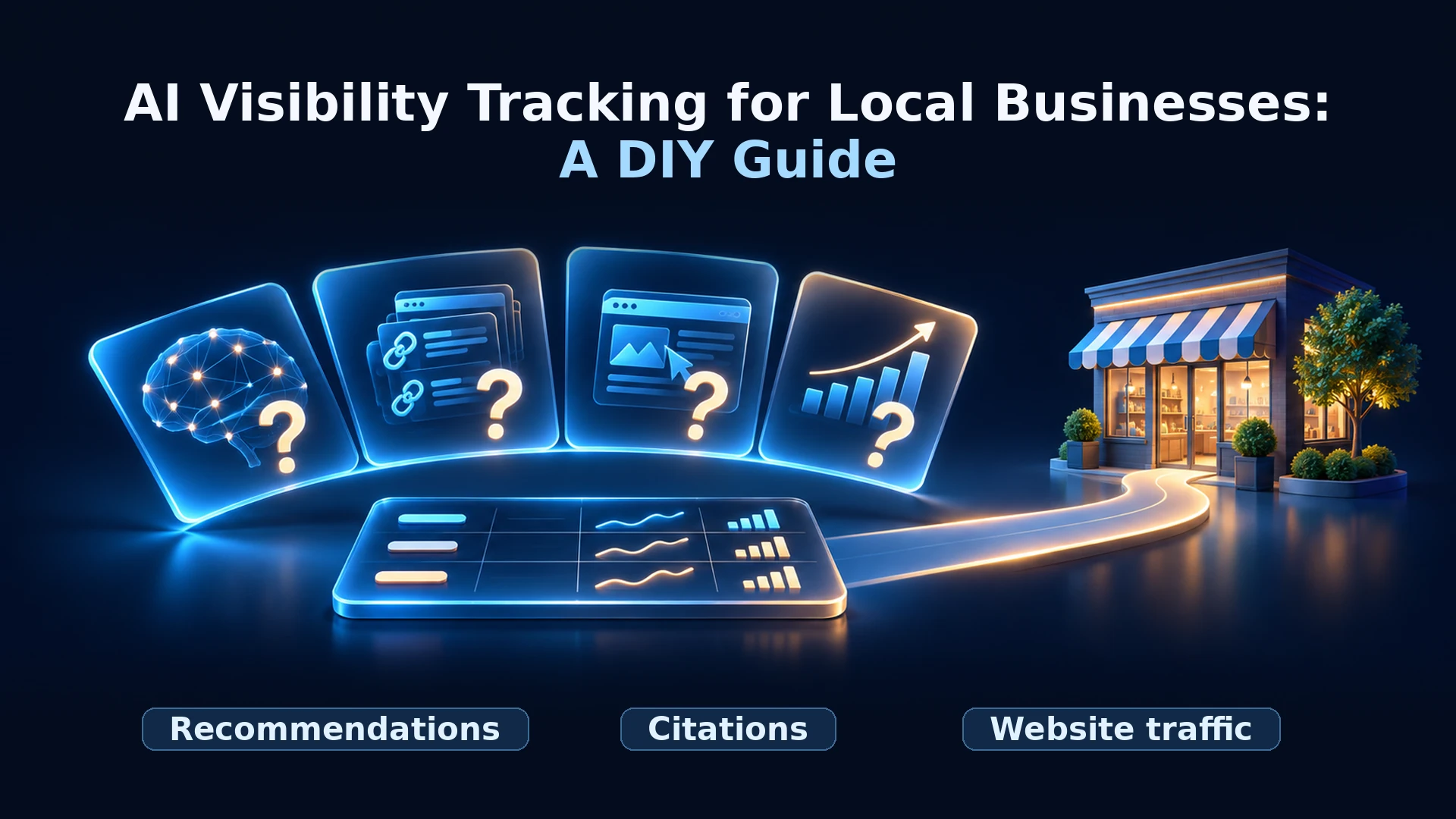
Think about asking a neighbor for a daycare recommendation. They can name a place, send you a link, or tell you which one their kids actually attended. Each detail tells you something different. When I track answer engine optimization, or AEO, I keep those distinctions in mind. A recommendation tells me who got named. A citation tells me which page got linked. My own records tell me what happened after someone arrived.
At Released Solutions, we built our own setup for this called ROCK. It recently flagged a visit from ChatGPT that led to a booking-button click. I could see the page where the visitor landed and what they clicked next. The prompt was unknown, and the click told me someone started toward booking. I’d look to the booking system for a confirmed appointment.
How do you start AI visibility tracking with a spreadsheet?
Pick one market and start with 10 to 15 questions about the services you actually sell. Use the words you hear on calls, in emails, and at the front desk. Put the service and city in your main questions and leave out your business name so you can see what someone unfamiliar with you might find.
For a daycare in Miami Gardens, I’d start with questions like these.
- Which daycares in Miami Gardens offer extended hours?
- Where can I find a toddler daycare in Miami Gardens with flexible pickup?
- What should I ask when comparing toddler daycare programs in Miami Gardens?
The first two invite recommendations. The third may surface advice or cite a helpful page without naming a provider. Include both kinds of questions customers ask before they buy so you can see where your business gets recommended and where your content helps people make a decision.
Keep a short list of branded questions for checking accuracy. “Does [daycare name] accept VPK?” is useful if you want to catch a wrong answer about your business. Use the unbranded list to measure discovery.
How do you track ChatGPT mentions, Perplexity citations, Gemini links, and Google AI Overviews?
Run each question once per week on each platform. Use a fresh chat for each prompt, keep the wording and language fixed, and record the market, device, and mode you tested. For Google Search, use the same search wording and location each week. If you change your setup, record when you changed it so you can interpret any jump in the results.
| Platform | What to record |
|---|---|
| ChatGPT | Record which businesses it recommends and the exact URLs it links to. Label default chats and runs where you deliberately select Search. ChatGPT can also search automatically when it decides the question would benefit from current information. |
| Perplexity | Open the numbered citations in the answer and log the destination URLs. If a directory recommends your business, record the recommendation and credit the directory with the citation. |
| Gemini app | Save the links shown in the original answer or its Sources panel. If you use Double-check, keep the links it surfaces in a separate note. |
| Google AI Overviews | Mark whether an Overview appeared and whether it linked to your site. Check the links in the Overview itself so you can tell them apart from the other results on the page. |
Use one spreadsheet row per test. Record the date, platform, mode, exact question, whether an answer appeared, whether your business was named or recommended, which competitors appeared, the linked URLs, and any incorrect details. Save a screenshot or the answer text for results you want to revisit. One screenshot can send you off to rewrite a page on Monday for an answer you can’t reproduce on Tuesday.
At the end of each week, count how many valid chat runs recommended your business and how many linked to your own domain. Keep valid answers with zero links in the count, and rerun tests that failed to load. If you’re new to this, start by getting clear on what counts as an AI mention or citation.
For Google, use two counts. In a hypothetical test of 10 searches, an AI Overview might appear for four of them and link to your site in one. In that example, 4 of 10 searches triggered an Overview, and 1 of the 4 Overviews linked to your site. Those are results from your test. For impressions from Google users, check the Generative AI performance report in Search Console. It reports link impressions across AI Overviews and AI Mode together.
Online Presence Readiness Assessment
Is your business ready to market online?
Answer 20 quick questions while we scan your website for tracking, ad pixels, structured data, search basics, speed and contact paths. Get a scored readiness report, free.
How do you tell whether AI visibility leads to visits or leads?
Start with identifiable sessions in Google Analytics 4, then check what those visitors did. For a local business, I’d look for the landing page, the booking or contact action, and any outcome I can confirm in the booking system or customer records.
In GA4, open Traffic acquisition and start with the AI Assistant channel. Look at Session source / medium for the platforms you care about, and check for sources such as chatgpt.com, perplexity.ai, and gemini.google.com elsewhere in the report too. Compare the landing pages and key events for the sessions you can identify. Google puts traffic from AI Overviews and AI Mode in Organic Search under its default channel definitions.
Here’s what I’d put on a monthly scorecard.
| What you’re measuring | What goes in the report |
|---|---|
| Visibility in your tests | Recommendations and links to your site by platform, with the number of valid runs. For Google, include how often an Overview appeared. |
| Identifiable website traffic | Sessions by recorded source, landing pages, and actions such as booking-button clicks. |
| Business outcomes | Qualified inquiries and confirmed bookings you can connect to a recorded source or a customer's own answer about how they found you. |
If a parent finds you through Perplexity and later comes back through Google to book a tour, save both sources when you have them. An optional “How did you first hear about us?” question can help when no AI source was recorded. Keep the customer’s answer as self-reported discovery and count the parent once if both records point to the same lead. For the analytics setup, see how to measure AI traffic and conversions in GA4.
If the same important page keeps missing from your tests, check that the page is reachable. In ROCK, we use server logs to see whether requests from crawlers such as OpenAI’s OAI-SearchBot or PerplexityBot reached a page and how the server responded. Use those requests to diagnose access. Your visibility and lead reports come from the answers, analytics, and customer records.
What should you do after four weeks?
Look for one pattern you can act on. If the same competitors keep appearing for a question about extended hours, open the pages the answers link to. Compare how clearly each page explains those hours, which locations they apply to, and what a parent can do next. If your business already offers the service, make those details easy to find on your own site and check them against your listings.
If a page gets cited and attracts identifiable traffic but generates few inquiries, try the next step yourself on a phone. Can you find the booking button? Can you finish the booking? Does the completed appointment show up where staff expect it? That’s the kind of gap a ROCK marketing audit and setup can help you trace across your website, tracking, and booking flow.
Frequently asked questions
Can I tell which AI prompt sent someone to my website?
In most cases, the best evidence you have is the recorded source and the landing page. If a URL appears in your own prompt tests and also receives visits from that platform, you have a page worth investigating. Leave the visitor’s exact prompt unknown unless you have direct evidence of it.
When is a paid AI visibility tracker worth it?
Consider one when you’re checking enough services, locations, or platforms that you can’t reliably keep up by hand. Give the tool a few of your own questions and compare its answers and cited URLs with what you see in the apps your customers use. Ask whether the tool collects results from the consumer app or runs prompts through an API. That detail helps you interpret differences.
Last fact-checked November 22, 2026.
Want Help Reviewing What You Find?
Start with one service, one city, and a spreadsheet. If you’re seeing recommendations but can’t tell which pages bring people in, or you’re getting booking clicks and losing the trail before the appointment, we can review it with you using ROCK. We’ll look at where your business shows up, what your website records, and where your tracking needs work.