
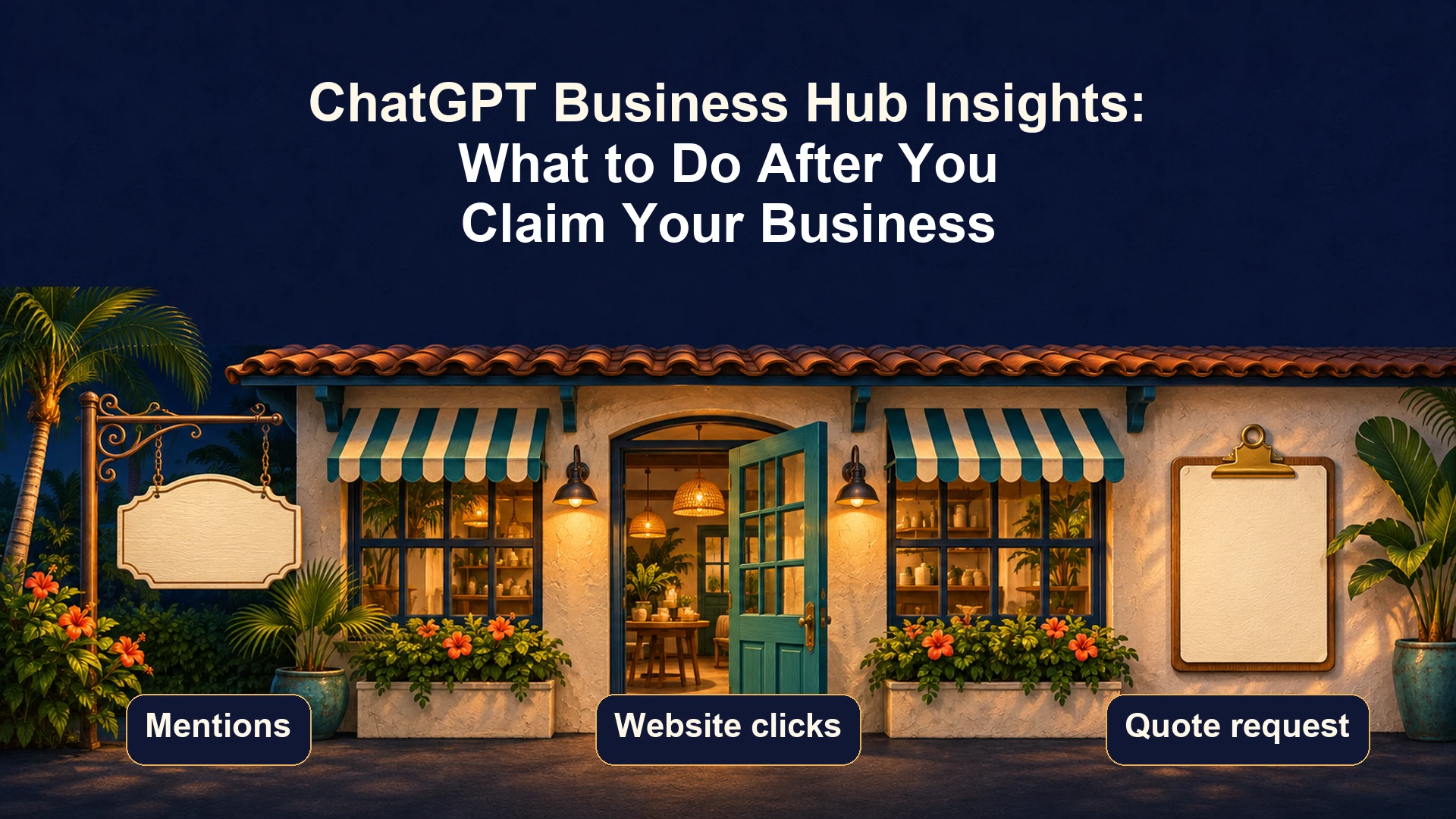

ChatGPT Business Hub Insights: What to Do After You Claim Your Business
ChatGPT Business Hub gives eligible businesses a way to claim their profile and see how often they’re mentioned or earn website clicks in ChatGPT. Once you’re verified, the most useful thing you can do is read those numbers alongside your website and lead data. That’s how you start figuring out whether people who find you in ChatGPT take the next step.
Think about your storefront. Some people see the sign, some walk through the door, and some ask for a quote. Those are three different things to count. Business Hub gives you a view of the first two, and your own tracking helps you see what happens after people arrive.
How do you claim your business on ChatGPT?
Open ChatGPT Business Hub, search for your business by name, and choose the listing that matches. Follow the verification method offered for your listing. Once OpenAI approves the claim, complete identity verification through Persona to publish changes and access Insights.
The available methods can include a business phone, business email, website domain, or Shopify. If you can’t find your business, OpenAI’s setup guide says eligible online businesses may see an option to add one. Local stores and restaurants can currently claim an existing U.S. listing.
OpenAI announced the beta on November 10, 2026. If you can claim your listing, start by checking the basics customers rely on. Make sure the website, phone number, and any hours shown are accurate before you spend time studying the dashboard.
What do ChatGPT Business Hub Insights actually show?
Insights show aggregate activity over the past 28 days. Mentions tell you when your business met OpenAI’s reporting definition. Website clicks count clicks to your site, and discovery topics show broad themes in the answers where your business appeared.
| What you see | What it measures |
|---|---|
| Mentions for an online business | ChatGPT referenced the business’s website. A reference to the name by itself falls outside this definition. |
| Mentions for a local business | ChatGPT displayed a result for that location. The display counts even if nobody opens the listing or visits the site. |
| Website clicks | Someone clicked a link to your website from ChatGPT. |
| Discovery topics | Broad themes in answers that mentioned or cited your business. |
OpenAI’s reporting definitions describe different kinds of activity. A local mention is closer to somebody seeing your storefront sign. A website click tells you somebody took a step toward the door.
What should you do with your first 28 days of data?
Use the first report as a baseline. Record the date, the reported mentions and clicks, and any discovery topics you see. Then look at what your own website recorded over the same period and pick one thing to investigate.
Record the numbers as shown.
If a metric is blank, mark it as unavailable in your notes. OpenAI says a blank can reflect a reporting threshold, data still being collected, or unavailable reporting. Capture your next baseline about 28 days later if you want to compare mostly separate periods. Weekly snapshots of a rolling 28-day report overlap.
Look at what happened on your site.
In the GA4 Traffic acquisition report, check Session source / medium for traffic attributed to ChatGPT. Review the key events that matter to you, such as a completed quote request or booking, then check your lead records for what came in. Business Hub clicks and GA4 sessions are different measurements. Read them side by side and use the GA4 guide to AI traffic and conversions for the website side.
Turn one discovery topic into a website check.
Suppose a Homestead air-conditioning company sees a theme related to emergency AC repair. Open the repair page on a phone. Can someone tell which cities you serve, when they can reach you, and how to request service? That’s a concrete improvement you can make even when the dashboard has too little data to tell you whether demand is growing.
At Released Solutions, our keyword research for this article turned up a lot of claim walkthroughs. The question I’d bring to a business owner is what happens when someone follows the link. If they land on a service page and have to hunt for the phone number, you’ve got something you can fix today.
Online Presence Readiness Assessment
Is your business ready to market online?
Answer 20 quick questions while we scan your website for tracking, ad pixels, structured data, search basics, speed and contact paths. Get a scored readiness report, free.
Should you track ChatGPT alongside Google?
Yes. Treat ChatGPT as another place customers can discover you and keep measuring your Google presence. Give each platform credit for the activity you can observe, then compare the inquiries, bookings, or sales you can reasonably attribute.
Business Hub reports what happens inside ChatGPT. If you also want to see how your business appears in tools such as Gemini or Perplexity, use the DIY AI visibility tracking guide to run a consistent set of checks. When you review the month, ask who saw the sign, who came through the door, and who asked for a quote.
Frequently asked questions
Can I see the exact questions customers asked ChatGPT?
Discovery topics show themes across answers, while individual prompts and conversations stay private. Use a topic to check whether your site answers the likely follow-up questions a customer would have. A topic by itself gives you limited evidence about what someone was ready to buy.
Can I pull Business Hub Insights into my own software?
As of November 23, 2026, I found no public OpenAI documentation for a Business Hub Insights API, MCP endpoint, or metrics export. For internal reporting, start with a dated manual snapshot. If you’re building a customer-facing reporting product, review the Business Hub terms for Insights data before designing around it. The terms restrict disclosure and commercial use.
Last fact-checked November 23, 2026.
Can You Tell Where Your Leads Came From?
Start with the Online Presence Readiness Assessment to see where your measurement needs work. If you already receive leads but have trouble connecting them to the places customers find you, our ROCK marketing audit and setup can help you review your analytics, forms, and lead tracking.