
What Is an ID Page in Local SEO, and Does Your Business Need One?
An ID page is a public reference page for one business or location. It brings together the essentials customers look for: what you do, where you serve, how to reach you, and which listings and profiles are yours. Put it on a domain you control and it can double as the link in your Instagram bio.
Think of it as the directory in an office lobby. You walk in, find the name you came for, and see where to go. If someone opens your link to make a reservation, they should see Book a Table before they see a list of every directory you’ve ever joined.
I’ve seen a restaurant’s old domain expire while it was still under the previous owners’ control. That’s the detail I’d settle before choosing a page builder or deciding what goes in the schema. Who can renew the domain, and who can update the page when the phone number, menu, or booking system changes?
What goes on an ID page for local SEO?
Start with the business name customers recognize, a short description, the public phone number, and the location’s hours and address if customers can visit. Give the most common tasks the most visible buttons. Then link to the full location page, the matching Google Business Profile on Maps, and a handful of official profiles customers can use.
Semantic Mastery’s guide to ID pages describes an SEO version of this idea built around business listings and other references. I’d start with the listings where your customers actually turn up. If one shows your old number, fix it at the source before sending anyone there.
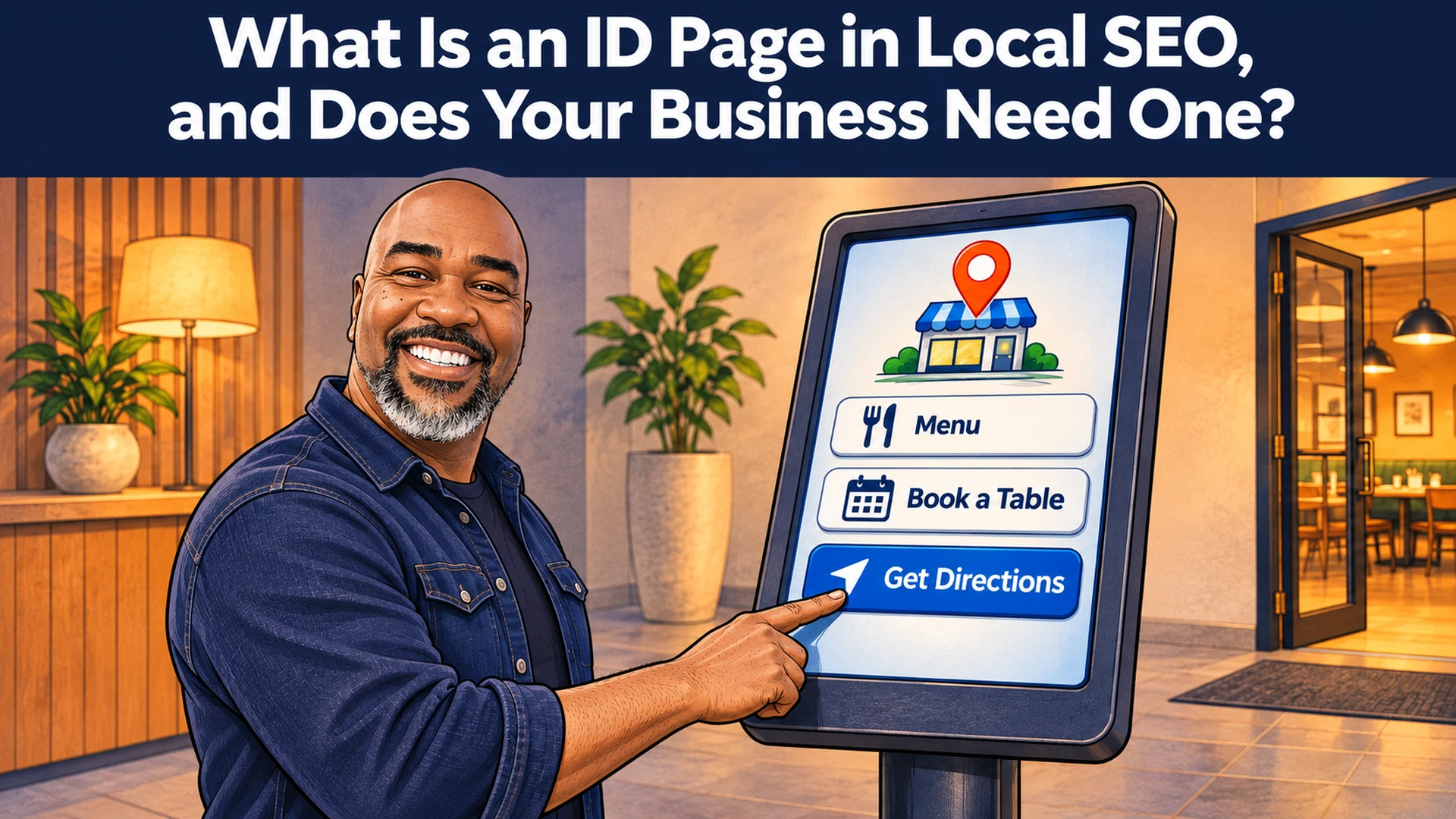
For a restaurant, the first three buttons might be See the Menu, Book a Table, and Get Directions. A mobile fingerprinting business might use Book an Appointment, See Service Areas, and Call Us. If customers don’t visit your address, publish the areas you serve and keep the private address out of the page and its markup, consistent with Google’s guidance for service-area businesses.
Do you need an ID page for every location?
Give each real location its own destination when the details or actions change by branch. If your existing location page already works well on a phone and makes the right actions easy to find, use it. Build a separate ID page when a shorter format serves a specific purpose, such as a branch’s Instagram bio or a QR code at an event.
For example, a restaurant group could put a location chooser in the brand’s shared social bio. Each location can then have its own page with the right menu, hours, and reservation link. For businesses that travel to customers, deciding which cities need service-area pages is a separate decision. A city you serve may deserve a page that explains your work there, even when customers can’t visit an office in that city.
Where should your Google Business Profile website link point?
I’d send customers to the full website page for that location. Give them enough information there to decide whether to visit, call, or book. Use the social bio for the compact link page and let that page point back to the matching Maps listing and the full location page.
Google’s Business Profile guidelines say the website should represent the individual location. Use Google’s dedicated business action links for actions like booking or ordering, and send those visitors directly to the page where they can take that action.
Can a branded link page replace Linktree?
Yes. If your main requirements are a handful of buttons, a URL you control, and a way to see which links people click, a page on your own domain can handle the job. Start with a page on your existing website. A subdomain makes sense when you have a reason to host or manage the link pages separately.
Linktree earns its keep when someone on the team needs to edit links from a phone or relies on built-in features. If you build your own page, decide who can update it and test the links from a phone before sharing it. If you prefer separate hosting, Cloudflare Pages supports custom subdomains. You can use the same address in your bio and on printed material, then update the buttons as your offers or booking tools change. That’s one practical advantage of a branded link strategy for printed QR codes.
How should local business schema identify each location?
When your location page and ID page describe the same branch, use the same business identifier wherever both pages include structured data about that branch. Give other branches their own identifiers. Keep the facts in the markup aligned with the information customers can see on the page.
In JSON-LD, @id identifies the entity being described. One approach is to use the full location page’s URL with #localbusiness at the end as the identifier. If your website already assigns a stable ID to that branch, reuse it. Use sameAs for authoritative profiles that identify the same business, and keep menus, booking links, and other customer destinations easy to find in the visible page.
If you have a storefront, Google’s LocalBusiness structured data guide explains which fields its search feature expects, including a physical address. If you operate from a private address, keep it private and focus on the public business information you can accurately share.
How do Google and AI search tools find the page?
Link to the page from a relevant page on your website using a regular HTML link. Put the important business information and links in the visible page. Include the URL in the sitemap for the site or subdomain that hosts it, and use Search Console’s URL Inspection tool to see how Google handles the page.
A sitemap helps with discovery. If the page is still missing from search, use Search Console to diagnose indexing problems before you submit it again. For Google’s AI Overviews and AI Mode, Google says a supporting page must be indexed and eligible to appear with a snippet. Eligibility is the first step. Whether Google uses the page in an answer is a separate outcome.
If you want the page discoverable in other search tools, review the access rules for the services you care about. OpenAI documents OAI-SearchBot separately from GPTBot, and Perplexity publishes its own crawler guidance. If you use Cloudflare, check its crawler controls alongside robots.txt.
How can you tell if the page is doing its job?
Start with the actions you built the page for. Are visitors opening the right menu, tapping directions, or reaching the booking page? If your booking system reports completed reservations, compare those with your button clicks so you can see how far visitors got.
For local search, record where the business appears before you make changes and check again from the same areas. Google describes relevance, distance, and prominence as the main factors in local ranking. An ID page gives customers a clearer route to you. If rankings move after launch, other changes to your profile, website, reviews, or competition may also have played a part.
Local Search Coverage Review
See where customers can find you
The Local Search Coverage Review helps you see how your business appears across Google Maps, search, and AI assistants. Use it to record a starting point before you change your website or listings.
Frequently asked questions
Is an ID page the same thing as an entity home?
An entity home is the main page you use to explain who the brand is, often the homepage or About page. An ID page can serve a narrower job by gathering the public facts and official links for one branch. A single-location business may be able to handle both jobs on an existing page.
Will a canonical tag hide my citation list?
A canonical tag signals which URL you prefer Google to show when pages contain duplicate or very similar content. Anyone with access to your public page can still open it and see the links. Decide what belongs on the page before publishing it.
What should I build first?
Open your current website on your phone and try to do what a customer would do. Find the hours, get directions, and start a booking. If those tasks are already easy, use that page in your bio. If people have to dig, fix the location page or give them a shorter route. The lobby directory has done its job when people can find the right door.
Put your business details in order
If your website, Maps listing, and social profiles give customers different answers, start by finding where the details disagree. Released Solutions can help you review what’s public, correct the sources you control, and decide where your links should send people.
Last fact-checked: November 26, 2026.