

I Cleared the Paper Off My Desk. Here’s My AI Meeting Notes Workflow.
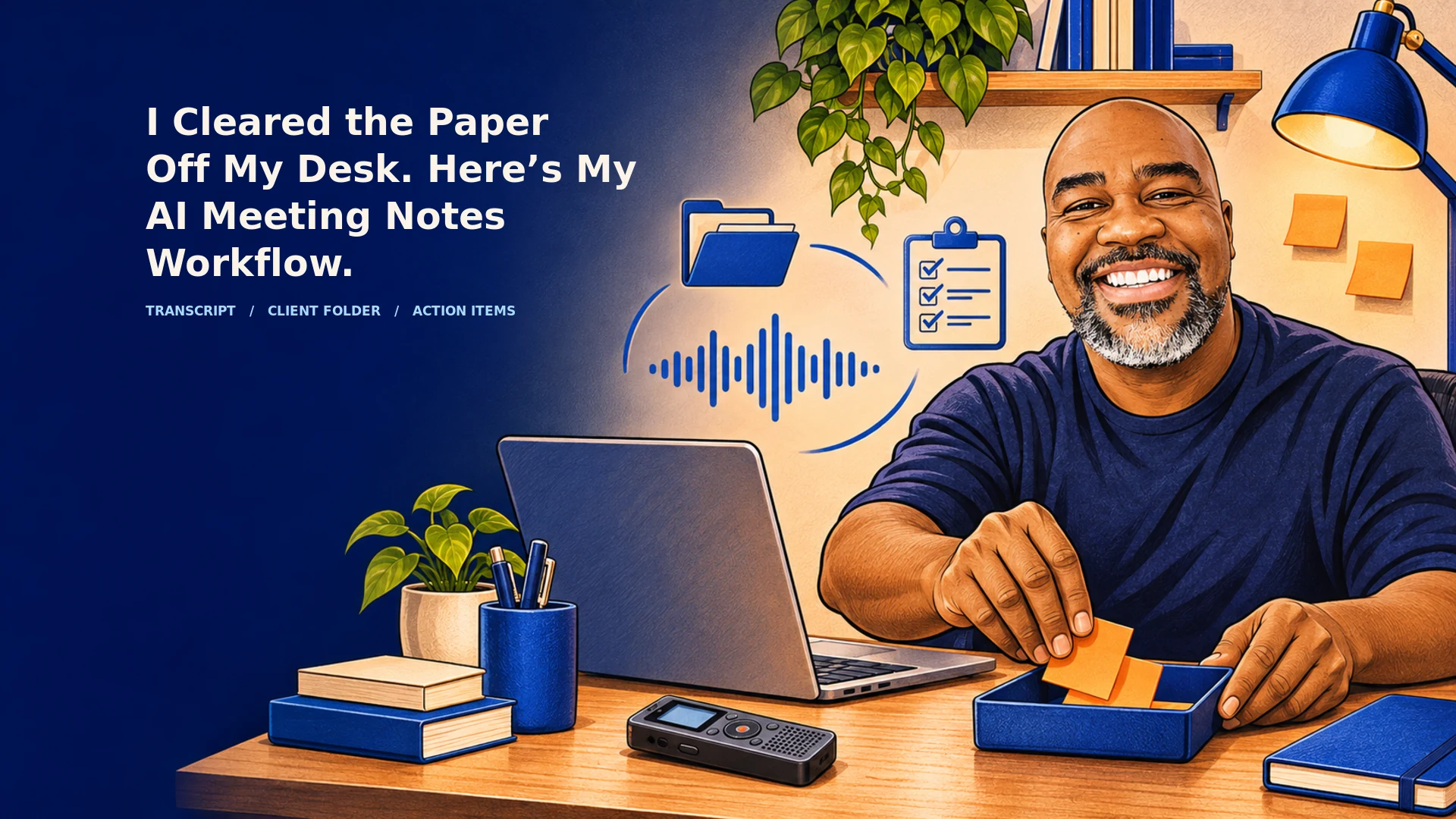
I finally took down the pinned notes and cleared the loose paper off my desk. I use AI notetakers for virtual meetings and a Pocket recorder for in-person conversations and phone calls. When I record a conversation, the notes feed into an AI workflow that files them in Google Drive by client and helps me prepare summaries, follow-up questions, and appointments.
The biggest change is that taking notes and deciding what’s worth remembering have become two different jobs. I can stay in the conversation while the tool captures what was said. I still get to decide what deserves a second look, what belongs in the client record, and what I’m willing to put my name on.
How does my AI meeting notes workflow work?
Think of it like an intake tray. Notes from a video call, a phone call, and a conversation across the table can all come in through different tools. Once they land in the right client folder, the latest discussion can be read alongside the earlier conversations that give it meaning.
Say a client tells you, “Let’s revisit the budget next week.” The summary can capture that sentence. The earlier notes might show that the client was waiting on a revised estimate. Now the AI can suggest a question worth asking: “Should I send the revised estimate before we meet so you have time to look it over?”
That’s what I want from organizing business knowledge for AI. When the client calls again, I can pick up where we left off. My old system occasionally gave me three words and an arrow.
What does a webhook change after the meeting?
A webhook can tell your workflow that a transcript or summary is ready. That signal can start the follow-up while the conversation is still fresh. Depending on how the tool is set up, it might send a meeting ID your workflow can use to retrieve specific information. Some tools offer separate webhooks and API access for meeting data.
Picture an agency wrapping up a client call. The recap draft is waiting for review, a confirmed approval can be logged, and the project lead can check the proposed tasks, owners, and due dates. Once reviewed, selected action items can go into the CRM or project tracker. The client gets a follow-up that reflects what everyone agreed to.
That last step matters. “We could launch Friday” is an option. “We approved Friday’s launch” is a decision. I want a person to verify that distinction before anything goes out, lands on a calendar, or becomes a commitment in the client record. That review belongs in the repeatable AI workflow from the start.
What’s still worth writing down by hand?
I still see a place for a quick note like “the client sounded hesitant about the budget” or “revisit this before launch.” Those are my observations. They may tell me what to ask next, and I can keep them distinct from what the client actually said.
Taking that kind of note is different from trying to write down everything while also leading the meeting.
How long have AI notetakers and pocket recorders been around?
Pocket recorders go back decades. AI transcription for conversations was commercially available by 2018, and major video meeting platforms rolled out AI recaps in 2023. Pocket, the device I use, entered the picture much more recently.
| Year | What was available |
|---|---|
| 1969 | Olympus introduced the Zuiko Pearlcorder microcassette recorder. |
| 1999 | Sony documented a slim digital voice recorder that could record for up to 150 minutes. |
| 2018 | AISense announced general availability of Otter Voice Notes, which used AI to transcribe conversations. |
| 2023 | Microsoft rolled out intelligent recap for Teams Premium, and Zoom introduced AI Companion with meeting summaries. Plaud also ran a Kickstarter campaign for its AI voice recorder. |
| 2025 | Pocket was shipping preorder units by October. |
The Caveman Marketing Quiz
How much of your marketing is still hunting by hand?
Rate 15 statements and see which of five stages your marketing is in, from The Hunter to The AI-Augmented Entrepreneur.
How do you protect client confidentiality when using AI meeting notes?
For an agency, I’d keep recording off by default. Record only when everyone has agreed, the client’s terms allow it, and you know where the audio and notes will go. Participant consent is one check. The client’s confidentiality agreement or security policy may also restrict sending the conversation to an outside vendor. Check the recording rules that apply where your participants are.
Follow the data beyond the recorder. A transcript can end up in a shared drive, a CRM, an email, or an automation log. Deleting it from the notetaker may still leave copies in those places. I’d keep raw transcripts in an approved, restricted location and pass along only the reviewed summary or action items people need for their work.
A transcript can also preserve casual remarks or sensitive details that would never make it into an ordinary meeting recap. For calls involving legal advice, personnel issues, or especially sensitive client strategy, I’d skip the recorder and follow the client’s policy for any manual notes. The confidentiality questions raised by the American Bar Association are worth reading if your work brings you into those discussions.
What should you look for in an AI meeting notetaker?
Start with where you actually meet people and what you want to happen when the call ends. I look for a webhook that tells my workflow when notes are ready, an API that lets it retrieve the fields I need, and an app or connector that lets me work with those notes in ChatGPT or Claude. Ask what’s available on the plan you’ll actually use and test each connection you’re counting on.
Before client calls go on that plan, I’d ask for three things in writing.
✓ A binding no-training commitment that covers client content and applies to the relevant transcription and model providers. Ask separately about human review, evaluation, and product improvement.
✓ Firm deletion deadlines for recordings, transcripts, summaries, logs, backups, and copies held by vendors that process the data on the provider’s behalf.
✓ Coverage for the features you’ll use, including the recorder, mobile app, API, AI chat, and integrations. Check which terms apply when data moves between them.
That’s my approval rule for client work. If a core protection is unverified, the plan stays on hold. The UK Information Commissioner’s Office offers a useful reference for what to look for in processor contracts, including the treatment of subcontractors and stored copies.
Then run a fake meeting with a made-up phrase you can search for. Follow it through the app, the webhook, and any connected systems. Delete the test meeting and check the places where the phrase appeared. That tells you what you can still find. For backup deletion and training restrictions, rely on the written terms and the evidence the vendor provides.
Start with the follow-up you keep putting off
Pick one recurring meeting, one client folder, and one follow-up you tend to leave until later. Try the process with a test conversation first. Then see if it gives you something you can use, whether that’s a recap you’d send, a question you need answered, or a task you can confidently assign.
I’m glad I can see the surface of my desk again. I’m even happier that when a client calls back, I know where to look for what we agreed to. If you want help putting a process like this together, I offer one-on-one coaching for small-business AI workflows.
Last fact-checked: November 21, 2026.