
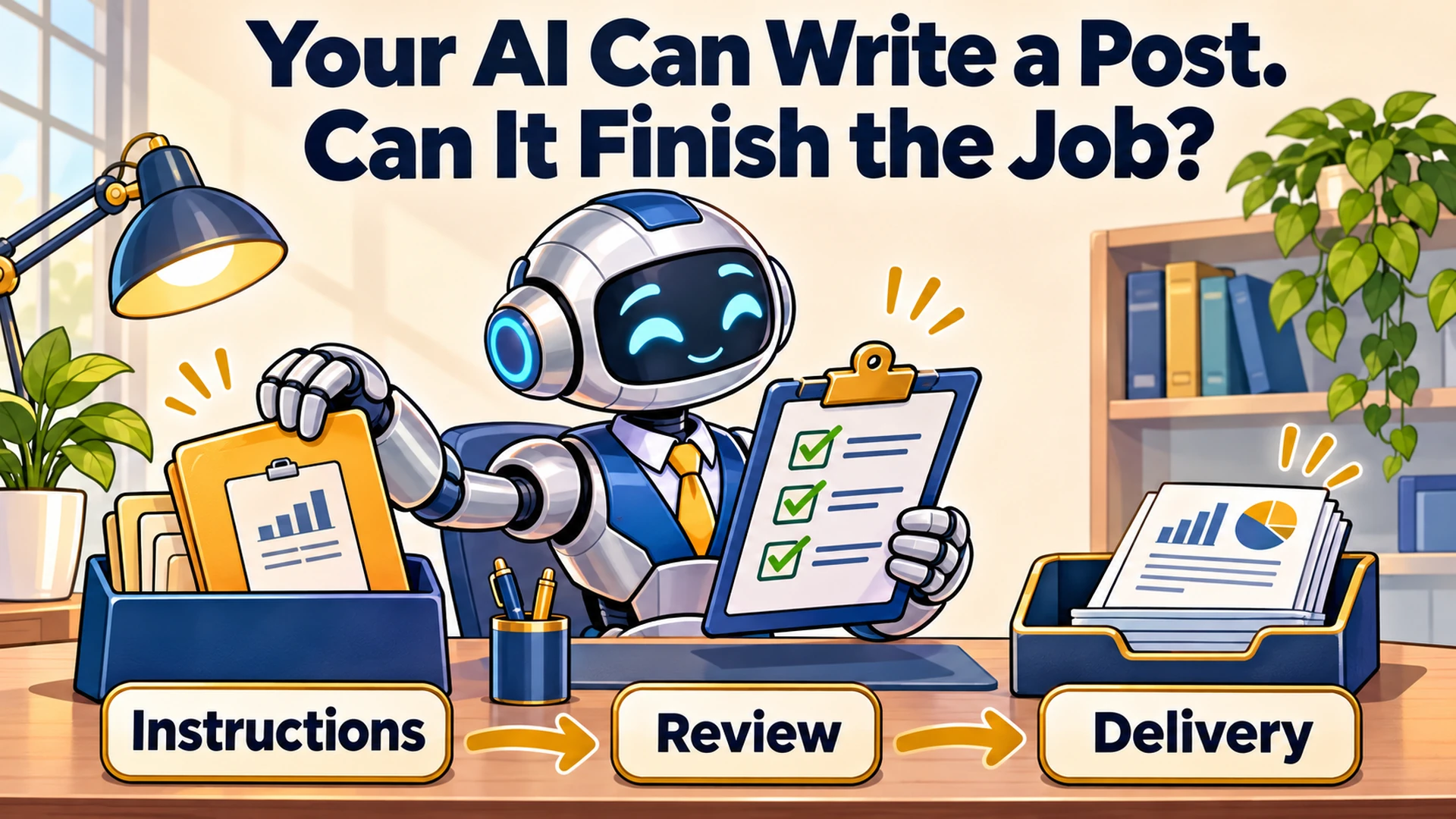

Your AI Can Write a Post. Can It Finish the Job?
An AI workflow for small business connects a real task to the information, instructions, review and delivery needed to finish it. The useful result is something your business can use, check and repeat the next time the job comes around.
Getting an answer is only part of that process. Someone still has to decide whether the answer is right, where it belongs and what happens next.
I recently reviewed a video packed with tips for working with Claude. It covered everything from writing better instructions to reusable skills, business knowledge and coordinating multiple agents. What interested me most was how those ideas fit together when you have an actual business to run.
Think about hiring someone to help in your office. On the first morning, you point toward a desk and say, “Help with marketing.” They might produce something impressive, but you have given them very little basis for deciding what your business needs.
Then imagine that same person has the assignment, the correct files, an example of acceptable work and a clear understanding of who approves it. You have given them a much better chance of being useful.
AI deserves that kind of preparation too.
What Is an AI Workflow for a Small Business?
An AI workflow is a repeatable way to complete a business task with AI helping at defined points. It identifies the information going in, the work being performed, the checks required and the destination of the finished result.
That can be as simple as turning meeting notes into an action list for your review. It can also involve several tools, people and connected systems.
For this series, I am using “workflow” in that everyday business sense. In its technical guide to building effective agents, Anthropic distinguishes predefined software workflows from agents that decide how to proceed. Your business process can include either approach, depending on the job.
You do not need an autonomous agent to start. You need a task worth improving.
What Does This Look Like in Actual Business Work?
In my own content process, I use different AI tools for research, discussion and building the finished page. I have described that Perplexity, ChatGPT and Claude workflow before, including the judgment and review that make the content mine.
The handoff matters. Approved words need to remain approved words when they move into a production package, and the person building the page needs clear instructions about the result.
That is a business process with responsibilities, reference material and a finished deliverable. The chat is one place where the work happens.
The same thinking applies to a proposal, a weekly report or customer follow-up. Ask what has to happen for someone to use the result, then work backward from there.
Which Business Task Should You Start With?
Start with a recurring task you understand well enough to evaluate. Choose something with accessible inputs, a recognizable finished result and mistakes you can catch before they affect a customer.
Preparing a weekly marketing report is a useful example. You know where the data comes from, what the business is trying to achieve and who needs the report.
An instruction such as “Analyze my marketing” leaves too much open. A workable assignment specifies the reporting period, source files, measures, comparison period and questions the report should answer.
If you are still deciding where AI belongs, my small-business AI learning roadmap provides a starting point. Here, we are taking one selected task and making it repeatable.
What Information and Instructions Does AI Need?
AI needs the current assignment, relevant business facts, trusted source material and a definition of acceptable work. It also needs to know what to do when information is missing.
For our reporting example, a brief might say:
That gives the work a purpose and a boundary. It also tells AI how to handle uncertainty instead of rewarding a complete-looking answer built on guesses.
Keep stable business information separate from this month's assignment. Your definition of a qualified lead might remain consistent, while your reporting dates and campaign files change.
Anthropic's guidance on effective context engineering emphasizes selecting relevant information rather than continually adding everything available. A folder full of documents is useful only when the right material reaches the task.
How Do You Know Whether the Result Is Good?
Judge the result against checks you established before the work began. For a report, those checks should cover source accuracy, consistent definitions, missing information and whether the summary supports a useful decision.
A polished presentation can still compare different date ranges or count the wrong kind of lead. Review the underlying figures before admiring the dashboard.
I would begin with these questions:
✓ Do the figures match the supplied records?
✓ Are the comparison periods and definitions consistent?
✓ Are explanations supported, or clearly labeled as possibilities?
✓ Can the intended reader understand what needs attention?
My approach to trusting and verifying AI work is to match the review to the consequence. An internal summary and a customer-facing commitment deserve different checks.
For this reporting workflow, AI can prepare observations and questions. The owner or account manager reviews them before anyone changes spending.
How Do You Make the Workflow Repeatable?
Save the parts that worked: the instructions, source locations, approved example, review checklist and delivery steps. Then run the process again with fresh information and see where it breaks.
Perhaps the next report contains a new campaign type. Perhaps a source file is missing, or the business changes how it defines a qualified lead.
Those exceptions help you improve the process. Repeating a successful result once is encouraging; handling the next imperfect set of inputs tells you more about whether the workflow is dependable.
A reusable skill can capture how the task should be performed. A business knowledge base can hold the facts it needs, and a checklist can define how the result is checked.
Those pieces serve different purposes. Keeping them understandable also makes it easier to update one without accidentally changing everything else.
The Caveman Marketing Quiz
How much of your marketing is still hunting by hand?
Rate 15 statements and see which of five stages your marketing is in, from The Hunter to The AI-Augmented Entrepreneur.
When Should You Automate or Add More Agents?
Automate after you understand the process and have tested its common exceptions. Add agents when the work contains separate tasks that benefit from independent attention and a clear way to combine their results.
For the weekly report, retrieving files on a schedule might be useful before you need multiple agents. You might later separate data preparation from reviewing the narrative, if the additional complexity earns its place.
Anthropic recommends starting with the simplest approach that meets the need, because agent systems can add time and cost. More moving parts need a reason to exist.
You also need to know when the process fails. My guide to scheduled automation for small business explains why monitoring the job belongs alongside running it.
An assistant who quietly skips Monday's report has created a new management task for you.
What Will This Series Help You Build?
This series follows the decisions involved in making AI useful for recurring business work. Each installment will focus on one problem, with examples you can adapt to your own process.
We will work through:
Choosing visual outputs that make work easier to review.
Recovering when a conversation loses direction.
Turning a proven task into a reusable skill.
Organizing business knowledge in an AI second brain.
Maintaining instructions, tools and recurring tasks.
Managing AI usage and the cost of accepted work.
Coordinating agents when a larger task warrants a team.
You can follow the series in order or start with the problem causing you the most trouble. The goal is to improve a real process, one useful piece at a time.
How Can You Start This Week?
Choose one recurring task and write down its inputs, instructions, review checks and destination. Run it with AI, inspect the result and record what needed correction.
Measure the whole job, including preparation and review. A fast first draft can still create a slow afternoon if you spend hours repairing it.
Your office assistant needs a clear assignment, usable files and a way to hand back finished work. Give AI the same preparation, then judge what it helps your business accomplish.
If you want help choosing and building that first workflow, explore one-on-one marketing and AI coaching. We can start with work you already do and identify where AI would be useful.
Last fact-checked: November 9, 2026.