

WordPress vs. a Custom Website: What Will Your Business Have to Maintain?
I usually start with WordPress when a business needs a public website its staff can update. I give custom development a closer look when the business needs software that handles a process specific to the way it works. And before I recommend either, I ask who will be able to update it, fix it, and take it over after launch.
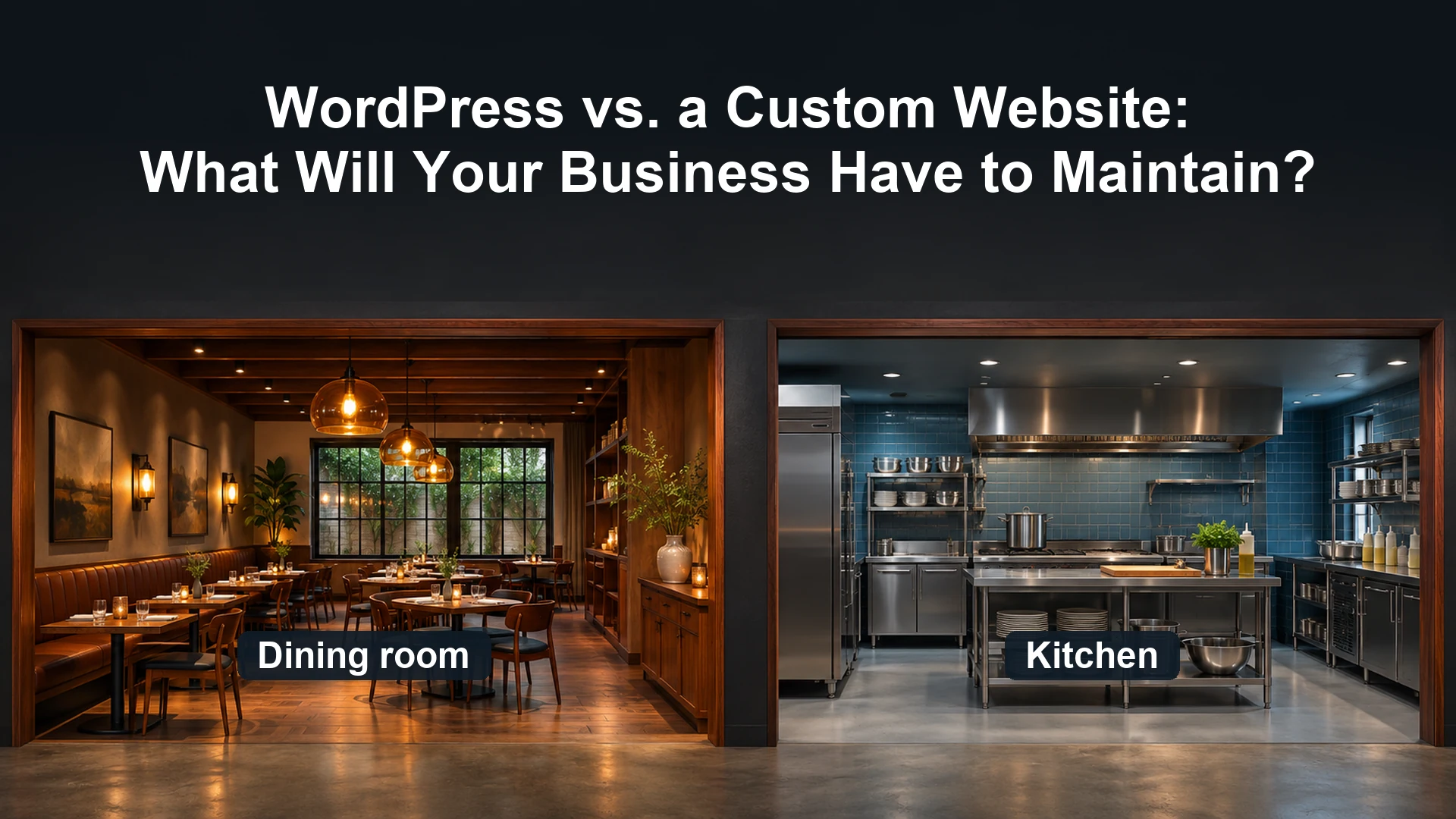
Think about a restaurant. The dining room needs to make it easy for guests to see the menu, find a table, and place an order. The kitchen has a different job. It has to route orders, track what’s running out, and keep dinner moving when everyone shows up at once.
Your public website and your back office may have just as little in common. Before you choose what to build, figure out which job you’re asking the website to do.
When does WordPress make sense?
If your staff needs to publish articles, update service pages, or change business hours, WordPress gives them a place to do that. If you need forms, payments, or appointment booking, there may already be a plugin or service that handles most of the work. I look for a tool that fits the actual workflow and that someone on the team can maintain.
WordPress also gives you a familiar foundation to hand over. A new developer may still need to learn how your particular site was put together, especially if it uses a page builder or custom plugins. WordPress has published guidance for backing up and migrating the site, so another provider has a documented starting point.
The cost of that convenience shows up over time. Each plugin adds something to keep current and, in some cases, a license to renew. If a plugin slows down a page or an update disrupts a form, somebody has to diagnose it and test the fix. Elementor, for example, explains that letting a Pro subscription expire ends access to Pro updates and can limit access to Pro features.
When is custom development worth it?
Suppose your website takes quote requests. A form may do the job if it just needs to collect a few details and send them to your team. Now suppose the quote has to use rules specific to your business, go to a manager for approval, and appear in a portal where the customer can accept it. At that point, I want to see how the whole process works before I start looking for plugins.
Custom development lets you build those rules into the application and decide how the screens, permissions, and integrations fit together. You can still use existing services for payments or sign-in. The part you’re paying to build is the workflow that makes those services useful to your business.
There’s also a middle option. Keep WordPress for the public site and build a small custom plugin or a separate application for the work that needs it. Your marketing team can keep editing pages while the operations team gets a tool built around its process.
Online Presence Readiness Assessment
Is your business ready to market online?
Answer 20 quick questions while we scan your website for tracking, ad pixels, structured data, search basics, speed and contact paths. Get a scored readiness report, free.
How does AI-assisted coding change the decision?
I use AI in website development because it helps me explore ideas and get to a working prototype faster. That applies whether I’m building a small WordPress plugin or a standalone application. It can make a custom feature worth considering earlier in the conversation.
Once the prototype works, I still want to see what happens when the payment fails, when a staff member has the wrong permissions, or when an integration changes. Those are ordinary situations the finished system has to handle. I’d ask whoever builds it to show how those paths were tested and how they’ll recover if a release causes trouble.
When you compare quotes, ask for the first year of costs. On the WordPress side, include hosting, licenses, updates, and support. On the custom side, include hosting, third-party services, maintenance, and the cost of bringing in another developer. Ask what a routine change would cost on either build, like adding an approval step or changing what a customer sees after submitting a request.
Is a custom website more secure than WordPress?
I’d judge security by how the site is built, configured, and maintained. WordPress recommends keeping its core software, plugins, and themes up to date. That makes plugin selection and an agreed maintenance schedule part of the build decision.
A custom application gives the developer more control over which components to use and how to configure them. It can still depend on third-party libraries, hosting, and external services. OWASP’s software supply chain guidance recommends assessing and monitoring those dependencies throughout the life of the application.
Ask who handles security updates, how staff access is managed, and when someone last tested a backup restore. On either platform, you want a named person or provider who can answer those questions.
Could someone else take over your website?
Here’s the test I’d use before signing off on either build. Could a second provider get access, put up a working copy, make a small change, and show you how they’d recover if the change went wrong?
For WordPress, that means knowing where the site is hosted, having administrator access, and knowing who controls the backups and plugin licenses. For a custom build, it also means getting access to the source code repository and having instructions for deployment and recovery. In both cases, keep control of the accounts your business depends on and confirm in writing what code, licenses, and data you’ll receive.
If the work is mostly in the dining room, start with the setup your staff can run. If the kitchen needs equipment built for the way orders move through your business, scope that work on its own. Either way, make sure someone can keep things running when the original builder is out of the picture.
Last fact-checked: November 19, 2026.
Decide What You Need Before You Choose a Platform
If you’re planning a rebuild, start by reviewing what your current website already handles and where your team still does the work by hand. The Online Presence Readiness Assessment can help you review the public-facing side before you scope changes.
If you already have a workflow in mind, bring one real example to a website design and development conversation. Walk through who starts it, what has to happen next, and who will maintain it after launch.