
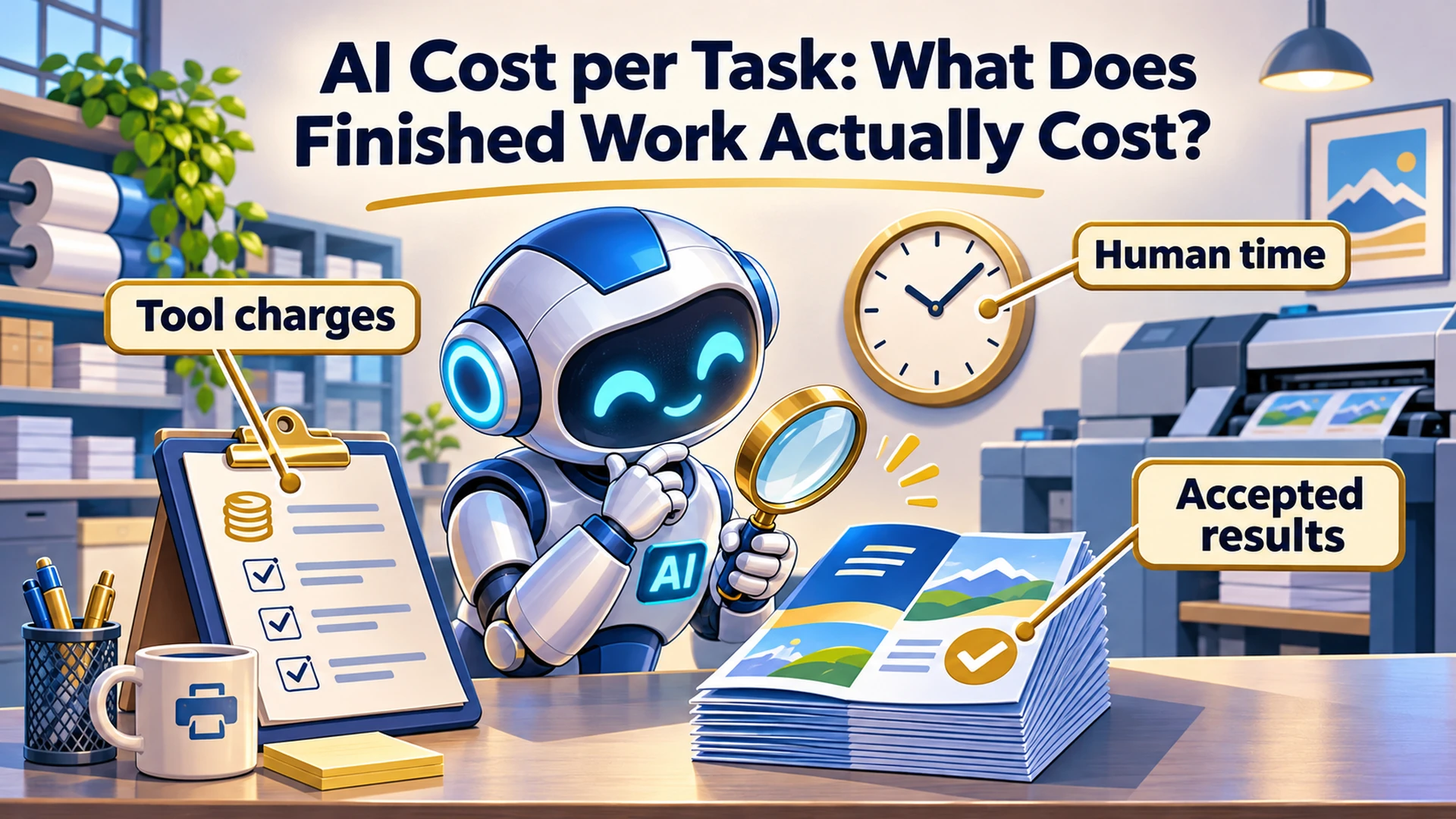

AI Cost per Task: What Does Finished Work Actually Cost?
AI cost per task is most useful when you measure what it takes to produce a result your business can accept. Include the tools, retries and human work needed to get there, then compare different approaches against the same quality requirements.
Imagine ordering printed brochures. One printer charges less per sheet, but some copies need to be replaced and someone spends the afternoon checking the boxes. The price per sheet tells you something. The cost of getting usable brochures tells you more.
AI works much the same way. A cheap response can become an expensive assignment if you spend your afternoon repairing it.
This is Part 9 of Put AI to Work. We have built up the assignment, methods, sources and maintenance habits. Now we need a way to judge whether the work is worth what it consumes.
What Should AI Cost per Task Measure?
Measure the total cost of attempting a defined job and getting acceptable results. Choose a task small enough to compare consistently, such as one checked report, one reviewed proposal or one finished article package.
A “task” needs a finish line. Producing a draft, verifying its facts and delivering the approved document are different stages of work.
For my blog process, an article draft is not the whole production package. The handoff documents, verified links, image files and delivery requirements also belong to the assignment.
My broader guide to the real cost of business AI explains the expenses and dependencies owners should consider. Here, I want to turn that thinking into a practical comparison you can run on one recurring job.
What Counts as an Accepted Result?
An accepted result passes the requirements you defined before comparing tools or settings. It contains the required information, respects the assignment’s boundaries and reaches the intended destination in a usable form.
Start with your AI task brief and acceptance checks. Use those same checks for every approach in the comparison.
For a hypothetical weekly marketing report, acceptance might require:
✓ The correct reporting period and source files.
✓ Figures that agree with the supplied data.
✓ Clear separation between observations and recommendations.
✓ Missing information identified without invented replacements.
✓ The finished report delivered to the designated folder.
A longer report does not automatically pass. Neither does a confident explanation of why the report should be correct.
Record the outcome as accepted, needs correction or stopped. Keep the correction work attached to the original assignment so it remains visible in the cost.
Which Costs Should You Record?
Record direct usage charges, an appropriate share of fixed costs and the human time required to prepare, review and repair the work. Keep actual spending separate from the value you assign to staff or owner time.
For a small comparison, I would track:
✓ AI and tool charges: usage-based model charges, research services and other paid steps.
✓ Allocated costs: a stated share of subscriptions, setup and maintenance.
✓ Human time: preparation, supervision, checking, corrections and delivery.
✓ Completion time: how long the business waits for an accepted result.
✓ Outcome: whether the result passes and what remains unresolved.
Do not count the same expense twice. If a subscription includes the usage you consumed, do not add a guessed per-token charge on top of that subscription allocation.
Likewise, do not turn a usage percentage into dollars unless the provider gives you a valid billing basis. A subscription allowance and a metered invoice are different records.
Waiting time matters when it delays the business. Track it separately rather than automatically charging every unattended minute as human labor.
How Do You Calculate Cost per Accepted Result?
For a defined batch of work, divide the costs you included by the number of results that passed the acceptance checks. Include the resources spent on unsuccessful attempts in that batch, and state any expenses your calculation excludes.
A useful working formula is:
If nothing passes, report the spending and zero accepted results. There is no meaningful cost-per-accepted-result figure yet.
Here is a hypothetical comparison of two workflow setups processing the same ten report assignments. Both eventually produce ten accepted reports using the same checks.
The human-time calculation uses an illustrative planning rate of $40 per hour. None of these figures represents a product price, client result or promised saving.
| Measure | Setup A | Setup B |
|---|---|---|
| AI and paid tool charges, including retries | $15 | $30 |
| Human preparation, review and correction time | 150 minutes | 75 minutes |
| Human time valued at $40 per hour | $100 | $50 |
| Allocated subscription, setup and maintenance costs | $10 | $10 |
| Total included batch cost | $125 | $90 |
| Accepted reports | 10 | 10 |
| Cost per accepted report | $12.50 | $9.00 |
In this example, Setup B spends more on AI and tools but requires less human work. That makes its included cost per accepted report lower.
The result depends on the assumptions, particularly the time valuation and allocated costs. It also does not establish that either setup beats your current manual process. Measure that baseline too.
Time released from a task may create capacity without reducing payroll or putting cash back into the bank. Record the practical benefit honestly.
What Does Claude Token Usage Tell You?
Claude token usage helps explain the resources consumed by an interaction, but it does not establish whether the business task succeeded. Read it alongside the work performed, the output checks and the billing or allowance information available in your product.
Tokens are units the model uses to process information. They are useful technical measurements, but a token count is not a count of accepted reports, resolved customer questions or finished articles.
Anthropic’s usage guidance for Claude identifies factors including message length, attachments, conversation length, tools, model choice and effort level. Usage depends on more than how many questions you type.
Record the usage information your system actually exposes. If it does not provide reliable usage by task, say so rather than manufacturing precision.
For a subscription workflow, you can still compare human time, completion rates and how frequently work is interrupted by limits. Keep any allocated dollar estimate clearly labeled.
Are Claude Usage Limits the Same as Conversation Length Limits?
No. Usage limits concern how much you can use Claude over a period, while conversation length limits concern how much information fits within one conversation’s working context. Identify which limit you reached before choosing a remedy.
Anthropic explains this distinction in its guide to usage and length limits. The applicable allowances and behavior depend on your current product and plan.
Starting another conversation may help organize the work, but it does not mean your account’s usage allowance has reset.
If the problem is preserving decisions and source material while moving to a new conversation, use a checked AI conversation handoff. Include the recovery time in your workflow comparison.
How Should You Choose an AI Effort Level?
Start with the product’s default or recommended setting, then test alternatives against representative tasks and the same acceptance checks. Increase or decrease effort based on observed results, including correction time and completion speed.
Anthropic’s guide to model and effort settings explains that higher effort uses more tokens and takes longer. Available settings vary by model and environment, so check the controls you actually have.
A routine formatting task and an unfamiliar analysis may justify different settings. Treat that as something to test, rather than assigning maximum effort to every request.
Change one major variable at a time. If you switch the model, rewrite the instructions and replace the sources together, it becomes difficult to tell what improved the result.
Use several representative assignments, including a known problem case. One successful demonstration is useful evidence, but it is a weak basis for a permanent operating decision.
The Caveman Marketing Quiz
How much of your marketing is still hunting by hand?
Rate 15 statements and see which of five stages your marketing is in, from The Hunter to The AI-Augmented Entrepreneur.
How Can You Reduce Waste Before Changing Plans?
Look for repeated explanations, unnecessary output and avoidable correction loops before assuming you need more capacity. Improve the assignment and handoff, then measure whether those changes help.
In this series, I have already had to push back on an AI-generated email teaser because it explained the subject without making me want to read the article. My feedback was straightforward: “This does not excite.”
That correction concerned the purpose of the writing. Asking for a longer version would not necessarily have fixed it.
For your own workflow:
✓ Supply the relevant sources and current requirements at the start.
✓ Specify the output format and level of detail.
✓ Review a short outline or sample before generating a large deliverable when direction is uncertain.
✓ Ask for a targeted correction when the rest of the work is acceptable.
✓ Preserve approved material so later steps do not reconstruct it from memory.
Keep the information required to verify the result. Removing useful evidence to make a prompt shorter can create more work later.
When Should You Stop Retrying?
Stop when another attempt is unlikely to resolve the problem within the time, spending or permission boundaries you set. Identify the cause before asking the assistant to repeat the same approach.
A failed task may need a missing source, valid tool access or a decision from you. More reasoning does not supply those things.
For a low-impact internal test, you might allow two corrective passes before reviewing the process yourself. That is an example boundary, not a standard for every workflow.
A practical stop rule could be:
If a required source is missing, report what is missing and stop that part of the task. If the same acceptance check fails after two corrective passes, summarize the attempts, preserve the current files and identify what needs a human decision. Do not purchase additional capacity or change the assignment to make the result appear successful.
Where available, pair written instructions with actual spending controls, run limits and alerts. A prompt alone is not an enforced budget.
Frequently Asked Questions About AI Usage and Cost
Is a Cheaper Model Always Cheaper for the Job?
No. Compare the complete work required to reach the same acceptance standard, including retries and human corrections. A lower usage charge can be outweighed by additional work elsewhere.
The reverse can also happen. A more capable or expensive option may add little value to a simple assignment. Test the task you actually perform.
Should I Upgrade When I Hit a Usage Limit?
Check what consumed the allowance and whether the workflow produces enough useful work to justify more capacity. An upgrade may address a real capacity need, but it will not automatically fix unclear instructions or missing inputs.
Record how interruptions affect delivery. Compare that impact with the available options and current plan terms.
Does Lower Cost per Task Prove the Workflow Is Worth Using?
No. It shows one part of the decision. Compare the workflow with your existing process and consider quality, turnaround, capacity and the consequences of errors.
A process can become cheaper while still producing work the business does not need. Keep the business objective attached to the measurement.
Measure the Job You Actually Need Finished
Choose one recurring task and record what happens across a small batch. Keep the acceptance checks consistent, include unsuccessful attempts and separate actual charges from estimated time values.
The brochure order is complete when you have usable brochures where you need them. Give your AI workflow an equally clear finish line.
If you want help comparing approaches to your own recurring work, explore practical AI workflow coaching. We can define the task, identify what to measure and evaluate the results before expanding the process.
Last fact-checked: November 10, 2026.