
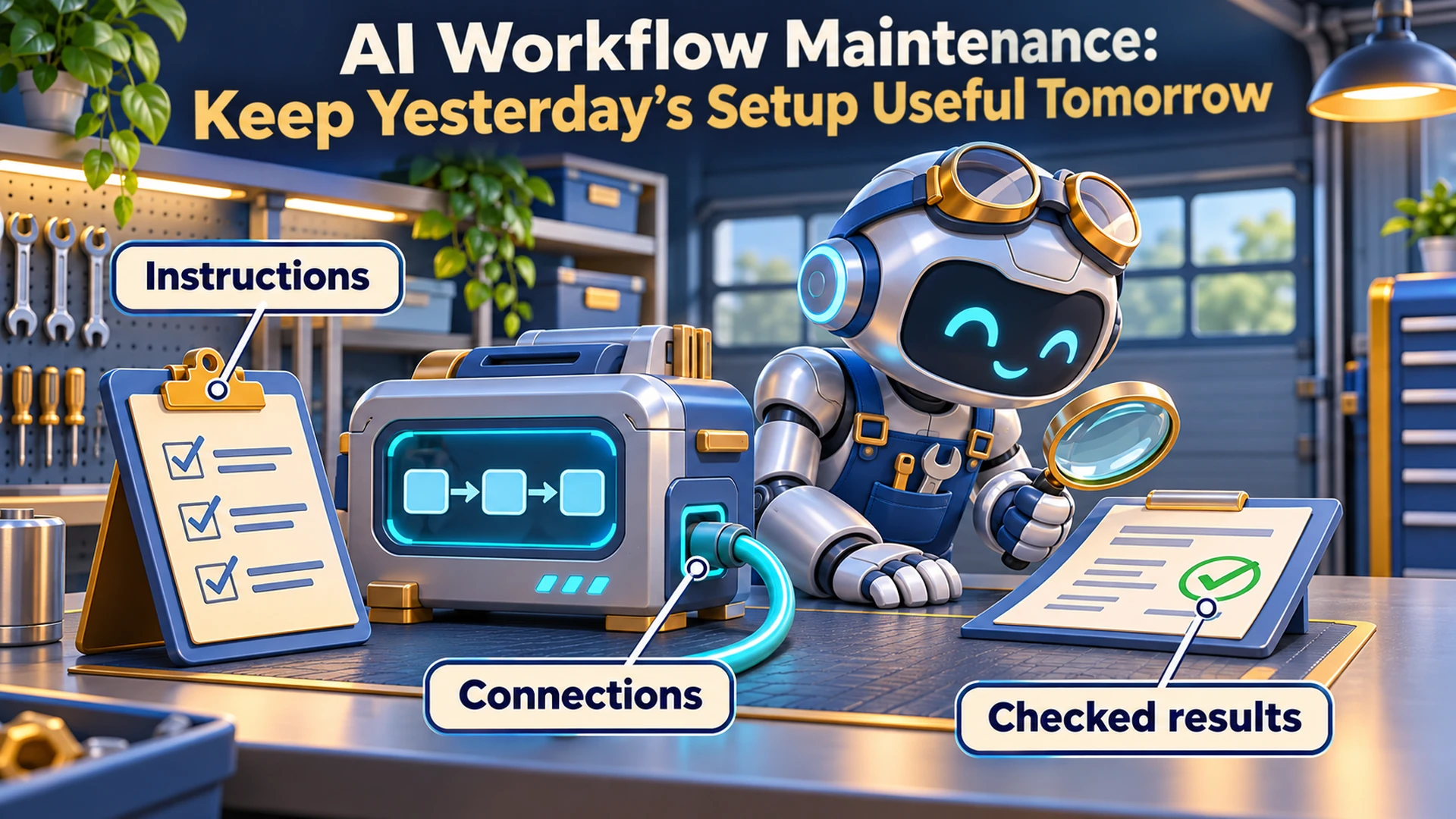

AI Workflow Maintenance: Keep Yesterday’s Setup Useful Tomorrow
AI workflow maintenance means checking that your instructions, sources, connections and recurring tasks still match the job your business needs done. Keep a record of what the workflow depends on, test it after meaningful changes and confirm that finished work reaches its destination.
Think about maintaining a car. Getting it out of the showroom is exciting, but the maintenance schedule matters once you depend on it every morning.
Your AI setup deserves the same attention. A successful first run is a good beginning. It is also a terrible lifetime warranty.
This is Part 8 of Put AI to Work. We have covered giving AI an assignment, choosing outputs, recovering conversations, capturing reusable methods and organizing business knowledge. Now we need to keep that setup useful as the business changes.
What Is AI Workflow Maintenance?
AI workflow maintenance is the ongoing work of keeping a business process accurate, connected and usable. It includes reviewing instructions, replacing outdated references, checking tool access, inspecting recurring runs and testing whether changes preserve the results you need.
You can do this with a short checklist and a small set of examples. You do not need an elaborate management system to maintain one recurring task.
Start with the AI workflow you already use. Identify what it depends on and what would tell you those dependencies had changed.
The purpose is practical: keep the process doing the job you hired it to do.
What Does This Look Like in My Publishing Process?
My publishing process uses a handoff specification, a linking playbook and a current content inventory. Those references have different jobs, and the article itself supplies the approved words.
The production rules have changed as we have refined the process. Requirements for images, research and delivery need to reach the next article, rather than remain buried in a conversation about the previous one.
That is why I require the current references to be read before work starts. A perfectly executed outdated instruction can still produce the wrong package.
Maintenance also means identifying which rule governs when two instructions disagree. Adding another reminder to an already crowded prompt does not necessarily settle the conflict.
If the same correction keeps returning, I want to inspect the saved process. Repeating myself in the chat may get today’s article finished, but the recurring workflow still needs attention.
What Should You Check in an AI Workflow?
Check the parts that can change the result: the assignment, instructions, reference material, connected tools and delivery steps. Give each important dependency an owner and a way to confirm it still works.
For a hypothetical weekly marketing report, the review might look like this:
| Area | What to check | Evidence to keep |
|---|---|---|
| Assignment | The report still answers the questions the business needs answered | Current brief and acceptance checklist |
| Instructions | Saved procedures agree with current requirements | Approved version and change note |
| Sources | Files cover the correct period and use the intended definitions | Source names, dates and locations |
| Connections | The workflow reaches the intended account, folder or application | Successful access check using permitted data |
| Recurring tasks | The job ran when expected, or its absence was explained | Run record and failure notice |
| Delivery | The finished report reached the correct destination and passed review | Output link and acceptance result |
Keep the record small enough that someone will actually maintain it. A workflow name, owner, purpose, dependencies and last checked date can be enough to begin.
If the assignment itself has changed, update the task brief and acceptance criteria first. Otherwise, you may repair the workflow so it performs an assignment nobody needs anymore.
How Do You Keep Instructions From Becoming a Junk Drawer?
Give each instruction a clear home and review repeated corrections before adding more rules. Remove or replace superseded instructions deliberately, and keep the approved current version easy to identify.
A useful instruction explains what to do, when it applies and how to recognize an acceptable result. A collection of unrelated reminders can leave the assistant guessing which one matters.
When a correction repeats, ask:
✓ Does this belong in the reusable procedure?
✓ Is it a fact that belongs in a reference source?
✓ Is it specific to this assignment?
✓ Does it replace an existing instruction?
✓ What example would show that the correction works?
A temporary exception should not silently become a permanent rule. For example, “omit this section for this client’s report” needs a scope. Without one, it may turn into “omit this section from every report.”
If you use Claude skills for recurring business tasks, maintain the saved method as you learn. Check that a change helps the intended task before carrying it into future work.
How Do You Know a Scheduled Task Still Works?
Check both the run record and the business result. A workflow can start successfully and still use the wrong inputs, stop before delivery or produce an output that fails your acceptance checks.
For a weekly report, I would want answers to three questions:
✓ Did the expected run happen?
✓ Did it use the correct inputs and complete the required steps?
✓ Did a usable report arrive where it belongs?
An absent report also needs attention, even if there is no error message. Decide when the result is due and who checks if it does not arrive.
Zapier’s guide to troubleshooting workflow errors distinguishes between errored runs, intentional stops and held runs. Those statuses need different responses; an unsuccessful run is not automatically the same kind of failure every time.
My article on scheduled automation and run monitoring covers that monitoring question in more detail. Here, the maintenance job is making sure someone still owns the response.
What Should You Test After a Change?
Test representative work against explicit acceptance checks after changing an important instruction, source, tool or model. Include ordinary inputs and known problem cases, then compare the result with what the workflow is supposed to accomplish.
You do not need identical wording from every run. You need the important requirements to hold.
For the hypothetical report, a small test set could include:
✓ A normal reporting period with complete inputs.
✓ A period with a required file missing.
✓ A source containing an unfamiliar column name.
✓ A corrected figure that replaces an earlier value.
✓ A destination the workflow cannot access.
Write the expected behavior beside each case. Missing information might require a clear stop and explanation. A changed column name might require review before the process calculates anything.
Anthropic’s guide to evaluating AI agents describes regression evaluations as checking whether a system still handles tasks it previously handled. It also distinguishes the system’s account of what happened from the actual outcome in the working environment.
For a small business, that translates into a useful habit: keep examples of work that must continue to succeed. Add a test when you discover an important failure, so the next revision has to face it.
The Caveman Marketing Quiz
How much of your marketing is still hunting by hand?
Rate 15 statements and see which of five stages your marketing is in, from The Hunter to The AI-Augmented Entrepreneur.
How Do You Change a Working Workflow Without Losing What Worked?
Preserve the current version, make a focused change and test before relying on the revised process. Record what changed and how to return to the previous setup if the change fails.
For an important workflow, I recommend this sequence:
Save the current instructions and configuration.
Describe the problem you are trying to fix.
Make the smallest useful change.
Run the affected checks.
Inspect the output and destination.
Record the result before adopting the revision.
Where the platform allows it, use a test copy or a review-only run. Testing should not unexpectedly send customer messages, duplicate records or publish material.
Also inspect what happened before retrying a failed job. If an earlier step already created the file or sent the message, restarting everything could repeat that action.
If a change makes things worse, the previous working version gives you somewhere to return. “We used to have this working” is much more useful when you saved what “this” was.
Can AI Help Audit Its Own Setup?
AI can help inventory visible instructions, compare documents and propose changes. Give it a defined scope and require evidence for its findings, because it cannot reliably assess parts of the workflow it cannot inspect.
An audit report should distinguish confirmed problems from questions that need a person or another system to answer. “I could not access this folder” is a finding. “This folder is unused” requires more evidence.
You could adapt this prompt:
Review the workflow materials I provide. Identify conflicting instructions, superseded references, unclear ownership and steps that lack an acceptance check.
For each finding, name the source and relevant passage, explain the possible effect and propose the smallest useful correction. Distinguish confirmed problems from items you could not verify.
Do not change files, disconnect tools, delete history, retry jobs or alter schedules. Return a proposed change list and the checks needed to validate it.
That gives you something concrete to review. It also keeps an inventory exercise from turning into an unexpected renovation.
How Often Should You Review an AI Workflow?
Review frequency should follow the workflow’s business impact, how often it runs and how quickly its dependencies change. Combine regular reviews with checks triggered by meaningful changes or failures.
As a starting schedule for a modest internal workflow, I would consider:
✓ Each run: confirm the expected result arrived and met essential checks.
✓ Weekly: inspect failures, missed runs and repeated manual corrections.
✓ Monthly: review instructions, references, ownership and connections.
✓ After an important change: rerun the affected test cases before resuming normal use.
Those are suggested intervals, not a universal standard. A customer-facing process may need much faster detection and response than an occasional internal draft.
Keep brief maintenance notes. Record the problem, change, test result and next review date so someone else can understand the workflow without reconstructing its entire history.
Frequently Asked Questions About AI Workflow Maintenance
Should I Delete Old Chats to Improve the Workflow?
Start by identifying the actual problem. Organizing or archiving conversations can help you find work, but it does not establish that current instructions, connected tools or recurring tasks are correct.
Preserve approved decisions and important source material before removing history. Do not assume deleting conversations will reduce costs or improve performance across every AI product.
Does Every Correction Belong in the Permanent Instructions?
No. A correction may belong to one assignment, one client or one reporting period. Establish its scope before adding it to a reusable procedure.
Permanent instructions should capture durable requirements. Current facts and temporary exceptions need their own clearly identified places.
When Should I Retire a Workflow?
Retire it when the business no longer needs its result, another process replaces it or maintaining it no longer makes sense. Check its dependencies before disabling it.
Identify downstream work that relies on it, preserve necessary records and confirm who now owns the business task.
Keep the Process Worth Depending On
Choose one recurring AI task and give it a maintenance record. Name its owner, identify the current instructions, save a few meaningful test cases and decide how you will notice a missed or unacceptable result.
You would not judge a car’s condition solely by whether it started on the day you bought it. Give the workflow you depend on a continuing check, too.
If you want help reviewing an existing process, explore AI coaching for your business workflows. We can identify what it depends on, where it needs checks and which improvements deserve attention first.
Last fact-checked: November 10, 2026.