
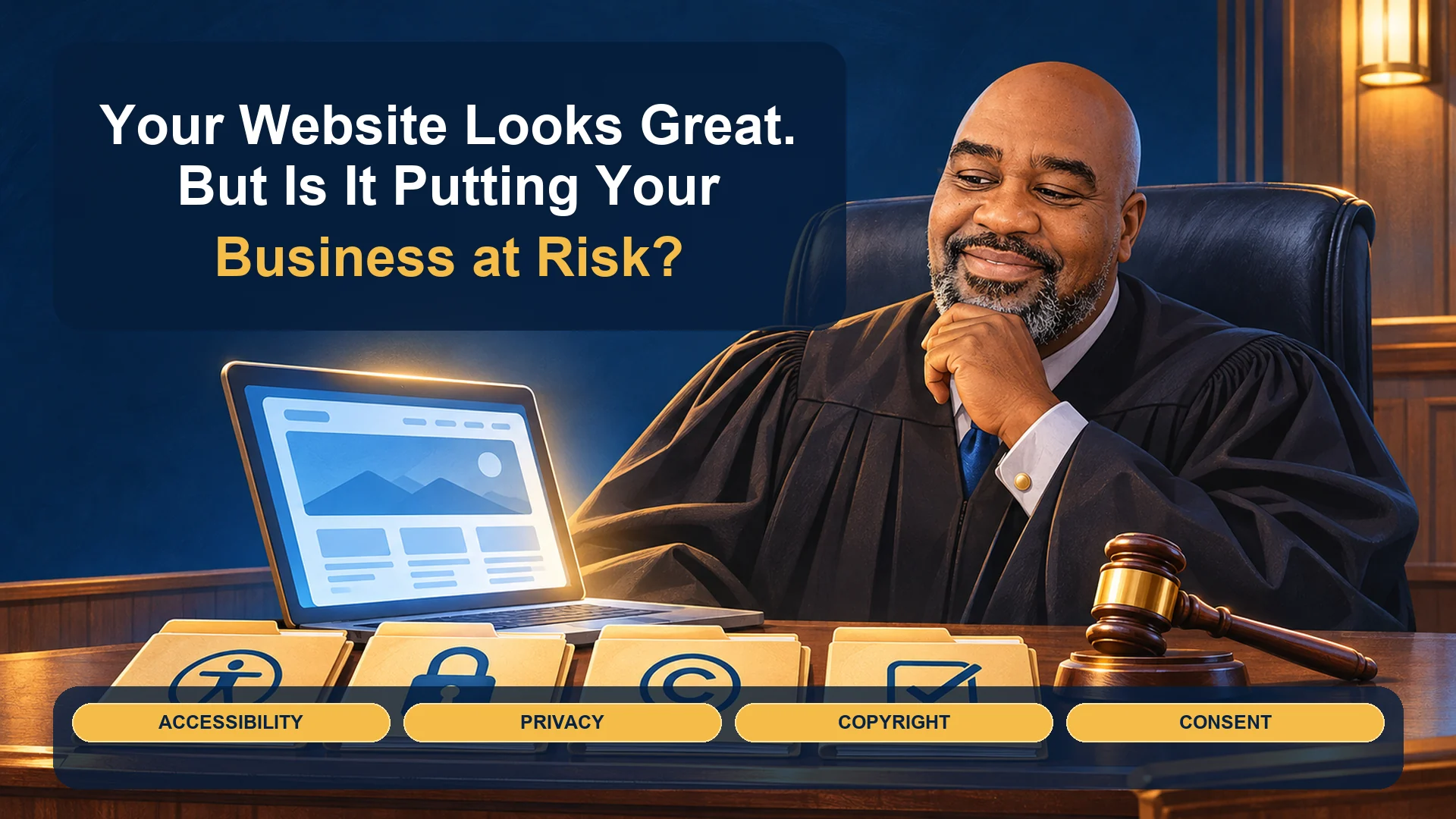

Your Website Looks Great. But Is It Putting Your Business at Risk?
Your website can look professional, work beautifully, and still expose your business to problems you never considered. Privacy disclosures, accessibility barriers, copyrighted content, and improperly configured tracking tools can create responsibilities that go well beyond website design.
I was recently reminded of this while rebuilding a website for a former client.
What started as a modernization project turned into a much deeper look at what it really means to own and operate a website.
A Website Redesign That Opened My Eyes
I recently had an opportunity to rebuild a website I had worked on years earlier. The client wanted a modern look, updated functionality, and a better experience for today's visitors.
As we worked through the rebuild, we also revisited the website's accessibility, privacy policies, and the technologies operating behind the scenes. The client had recently introduced a booking link, which added another important part of the customer journey that deserved attention.
What I discovered wasn't necessarily that the old website was doing something wrong. It was that the website had evolved, technology had changed, and we now had an opportunity to examine responsibilities that might otherwise have been overlooked.
That experience sent me researching website accessibility, privacy laws, consent requirements, copyright notices, and the growing number of ways a business can find itself facing legal questions over its website.
And I came away with a message worth sharing.
Your Website Is Like a Business You Just Renovated
Think about renovating a restaurant. You replace the furniture, install new lighting, paint the walls, and make the place look beautiful.
But what about the emergency exits, electrical wiring, wheelchair access, and everything else that customers may never notice until something goes wrong?
Your website works much the same way.
A redesign can make your business look modern without addressing the systems, legal obligations, and visitor experiences operating beneath the surface.
The difference is that many website owners don't even know those hidden responsibilities exist.
Can Your Website Get Your Business Sued?
Yes. Depending on the circumstances, website content, accessibility barriers, privacy practices, security failures, and other activities can lead to legal complaints or lawsuits.
That does not mean every website has violated a law or that every demand letter is legitimate. It means operating a website carries responsibilities that deserve consideration.
Here are several areas business owners should understand:
| Area | Potential concern |
|---|---|
| Accessibility | Visitors with disabilities may be unable to access information or complete important tasks. |
| Privacy | A website may collect or share personal information without appropriate disclosures or other required safeguards. |
| Copyright | Images, videos, music, text, or other materials may be used without sufficient rights. |
| Advertising and tracking | Analytics and advertising technologies may operate inconsistently with applicable requirements or visitor choices. |
| Data security | Customer information may be exposed through inadequate security practices. |
| Misleading content | Website statements may create consumer protection concerns when they are deceptive or materially inaccurate. |
| Contractual requirements | Connected platforms may impose obligations that website owners have agreed to follow. |
The important distinction is that these areas do not all follow the same laws. Requirements depend on the business, its activities, applicable jurisdictions, and how the website operates.
Does Every Business Website Need ADA Website Compliance?
Not every website or organization has identical obligations under the Americans with Disabilities Act. Coverage depends on the organization and the services it provides.
According to the U.S. Department of Justice's website accessibility guidance, businesses open to the public can have responsibilities to make their goods and services accessible to people with disabilities, including services offered through websites.
This can include restaurants, hotels, medical offices, retail stores, and other covered public accommodations.
One common misunderstanding involves the ADA's 15-employee threshold. That threshold generally applies to employment requirements under Title I. It does not automatically exempt a small public-facing business from Title III.
And a website doesn't suddenly become subject to accessibility obligations simply because you add a shopping cart or booking form. The nature of the organization and its services matters.
What Should an Accessible Website Allow Visitors to Do?
I like to look at accessibility from the visitor's perspective.
Can someone navigate your website without using a mouse? Can someone using a screen reader understand your contact form? Can a visitor complete a booking, read important information, or correct an error without encountering unnecessary obstacles?
These questions reveal why accessibility is about more than a statement in the footer.
Important areas to evaluate include navigation, buttons, image descriptions, form labels, color contrast, video captions, documents, and essential customer interactions.
What Happens When You Add a Booking Feature?
Adding a booking feature may seem like a small improvement, but it can introduce additional questions about accessibility, privacy, and third-party services.
That was particularly relevant to the client rebuild that started this entire discussion.
A booking service may request names, email addresses, phone numbers, appointment details, or other information. Depending on its configuration, that information may be processed by another company.
The website owner should understand what the service collects, how visitors access it, and whether the website's privacy disclosures accurately describe the arrangement.
A third-party booking link does not automatically create a new ADA obligation or establish a privacy violation. But it is a good reason to review how the customer's experience and information are handled.
Your Privacy Policy Could Be Making Promises You Cannot Keep
This was one of the most interesting discoveries from my research.
Many websites have privacy policies because a developer installed one, a plugin generated one, or someone copied language from another website.
But a privacy policy is not a magic shield against legal responsibility.
It is a statement about what your business does with visitor information. And when that statement doesn't match reality, it can create problems.
Imagine that your policy says your business never shares personal information with outside companies.
Meanwhile, your website sends form submissions to a customer relationship management system, uses an email marketing provider, and runs advertising or analytics services that receive visitor data.
Whether a particular transfer legally qualifies as sharing or selling personal information depends on the circumstances and applicable law. But the business still needs to know what information moves between systems and whether its promises are accurate.
Here's the important part:
Do Google Analytics, Google Ads, and Email Forms Create Privacy Responsibilities?
These tools can create disclosure, consent, and contractual responsibilities depending on how they are used.
A business running Google Analytics needs to understand the Google Analytics privacy and data policies. Advertising features and certain uses of customer information may introduce additional requirements.
Google Ads, Meta advertising tools, email marketing platforms, contact forms, and CRM integrations can also involve information collection or transfer.
Consider a customer who completes a form asking for a quote.
You may need that information to respond to the inquiry. But automatically enrolling the same customer in promotional emails raises a different set of questions involving marketing permissions, notices, and applicable rules.
We covered the tracking side of this problem in our earlier article, Cookies in 2026: What Small Businesses Need to Know About Tracking, Consent and Privacy.
For this discussion, the lesson is simple: installing a marketing tool is not the same as reviewing the responsibilities that come with using it.
Does Your Cookie Consent Banner Actually Work?
A cookie banner should do more than appear on the screen and offer a few buttons.
Where consent is required, the website must correctly implement the applicable visitor choices.
A business may install a banner that says Accept, Reject, and Customize, but never verify whether the website's tracking tools respond properly.
That leads to a practical question: What happens behind the scenes when someone clicks Reject?
Depending on the implementation, analytics and advertising technologies may need to stop, change their behavior, or avoid storing particular identifiers. Some configurations, including advanced Google Consent Mode, can permit limited cookieless signals, so an outgoing request is not automatically evidence of a violation.
The way to understand the difference is to test the website's actual behavior.
How Can You Check Whether Consent Choices Are Working?
Start by examining four situations:
✓ A visitor arrives but makes no selection.
✓ The visitor rejects optional tracking.
✓ The visitor accepts tracking.
✓ The visitor later changes or withdraws that choice.
For each situation, check browser storage, network activity, and the behavior of your connected tracking technologies.
Developers can use browser inspection tools and automated testing platforms to record these differences. Server-side integrations also deserve attention because they may transmit information that a browser inspection cannot reveal.
A test can identify potential problems, but interpreting the legal significance requires knowledge of the applicable requirements.
Does Passing an ADA Scanner Mean Your Website Is ADA Compliant?
No. Automated accessibility checks are valuable, but a clean report is not a universal legal compliance certificate.
During the client rebuild, we ran the updated website through automated checks and achieved passing results. That was encouraging and reflected the attention given to accessibility during modernization.
But research into the testing process reinforced an important limitation.
The World Wide Web Consortium's accessibility evaluation guidance explains that no testing tool can independently determine whether a website meets all accessibility requirements. Knowledgeable human evaluation is also necessary.
For example, a scanner may confirm that an image contains alternative text, but it may not determine whether that description meaningfully communicates the image's purpose.
A scanner may also miss difficulties people encounter when using a screen reader, navigating with a keyboard, or completing a complicated booking process.
Tools such as WAVE, axe, and Lighthouse can provide useful evidence. Manual testing of important visitor journeys provides another essential perspective.
The goal is not simply to earn a passing score. It is to make the website usable for the people it serves.
What About Copyright Claims Against Your Website?
Copyright deserves attention because website owners often assume that an image is safe to use simply because it was available online or provided by someone working on their website.
That assumption can be expensive.
Photos, videos, music, illustrations, written content, and other creative works may be protected by copyright. The fact that an image appears in search results does not establish permission to use it commercially.
Even purchasing a license does not necessarily grant unlimited rights. Licenses can restrict permitted uses, websites, distribution methods, or other conditions.
I recommend maintaining records of where important website assets came from, who supplied them, and what rights the business has to use them.
Those records can become particularly useful if someone later challenges the business's use of an image.
What Should You Do If You Receive a Copyright Demand Letter?
First, don't panic. But don't automatically ignore it either.
Some copyright notices are legitimate. Others are mistaken, exaggerated, or fraudulent. Even a real enforcement company can make an incorrect allegation when its system fails to recognize a valid license.
There are two separate questions to investigate.
Is the sender genuine? Independently verify the business, law firm, rights holder, or enforcement company making the claim. Avoid relying solely on contact information or payment links in the notice.
Is the allegation valid? Identify the specific work, the page where it appears, the asserted owner, and the evidence supporting the claim. Compare those details with your licenses, receipts, permissions, and publication records.
A matching image on your website may establish that you used it. It does not, by itself, establish infringement.
Also, remember that a demand letter is not a court judgment. If someone claims a lawsuit has been filed, independently verify the court and case information and seek appropriate legal advice.
Before You Pay the Fine, Make Sure There's a Case
That's the way I would summarize the process.
Preserve the correspondence and supporting records, verify who is making the allegation, examine the claim, and obtain legal guidance when appropriate.
Do not assume that an official-looking email establishes liability. And do not assume that a notice is fake simply because it arrived electronically.
The goal is to respond intelligently rather than emotionally.
How Can a Small Business Audit Its Website?
You don't need to become a programmer or an attorney to start asking the right questions.
I recommend reviewing five areas:
Accessibility
Can visitors navigate the site and complete essential tasks, including forms and bookings, with different assistive technologies?
Privacy and tracking
What visitor information does the website collect, where does it go, and do the disclosures and consent controls match actual practices?
Copyright and content
Can the business document its rights to important images, videos, and other materials?
Security and maintenance
Are the website's software, accounts, integrations, and security practices being properly maintained?
Business processes
Has someone reviewed what changed when new features, services, or marketing tools were added?
The best assessment is one that identifies specific issues, explains their potential consequences, and provides an actionable path to address them.
Some findings can be resolved by a website developer. Others may require legal, privacy, security, or accessibility specialists.
Website Privacy & Accessibility Check
What is your website sharing about your visitors?
See whether your cookie banner does what it says, which outside services receive visitor data, and where keyboard and screen reader users get stuck. Free, no login, plain-English report by email.
Frequently Asked Questions About Website Compliance
Does Every Small Business Website Need a Privacy Policy?
Not every website faces identical legal requirements. But collecting personal information or using certain analytics, advertising, and other services can introduce legal or contractual disclosure obligations. The policy should accurately describe the practices that apply to that website.
Does an Accessibility Widget Make My Website ADA Compliant?
No. An accessibility widget may offer useful features, but it cannot guarantee that every page, document, form, or visitor journey is accessible.
Can a Website Be Sued Even If It Doesn't Sell Anything?
Potentially, yes. Selling products online is not the only activity that can raise accessibility, copyright, privacy, or other legal concerns.
Can I Ignore a Copyright Demand Sent by Email?
You should not assume the notice is invalid based on its delivery method. Preserve it, verify the sender independently, investigate the specific allegation, and seek legal advice where appropriate.
How Often Should I Review My Website?
Review important website practices whenever you add a major integration, change how you collect information, introduce new customer features, or substantially update the site. Periodic testing and maintenance can help identify problems introduced by software changes.
The Website Was Modernized. So Was My Perspective.
I started this project with a familiar goal: take an older website and give it a modern look and better functionality.
What made the project especially worthwhile was the opportunity to look beyond design.
We revisited accessibility, privacy, and the customer journey, including the newly introduced booking feature. The website passed the automated checks we ran, and the process gave us a better understanding of the responsibilities that come with operating it.
The larger lesson is that website ownership is not a one-time event.
Think back to that renovated restaurant. New furniture and fresh paint are great, but they don't replace the responsibility to maintain the building and make it usable and safe for the people who visit.
Your website deserves the same attention.
Is It Time to Look Beyond Your Website's Appearance?
Released Solutions helps small businesses review their online presence, improve their websites, and understand the technologies supporting their marketing and customer interactions.
If your website has been running for years, or you've recently added forms, booking tools, advertising integrations, or other features, it may be time for a closer look.
Start the Free Online Presence Readiness Assessment and begin identifying opportunities to improve your website and online presence.
This article provides general educational information and is not legal advice. Legal obligations depend on the facts and applicable law. Consult qualified professionals for legal determinations.
Last fact-checked: November 5, 2026.