

ChatGPT Losing Context? How to Get the Work Back on Track
When ChatGPT appears to be losing context, pause and identify what has gone wrong before adding more instructions. Correct a small misunderstanding in the current conversation. When the chat contains conflicting directions, abandoned attempts or missing source material, prepare a checked handoff and consider starting fresh.
The same approach applies when working with Claude or another AI assistant. The goal is to restore a clear assignment and the information needed to finish it.
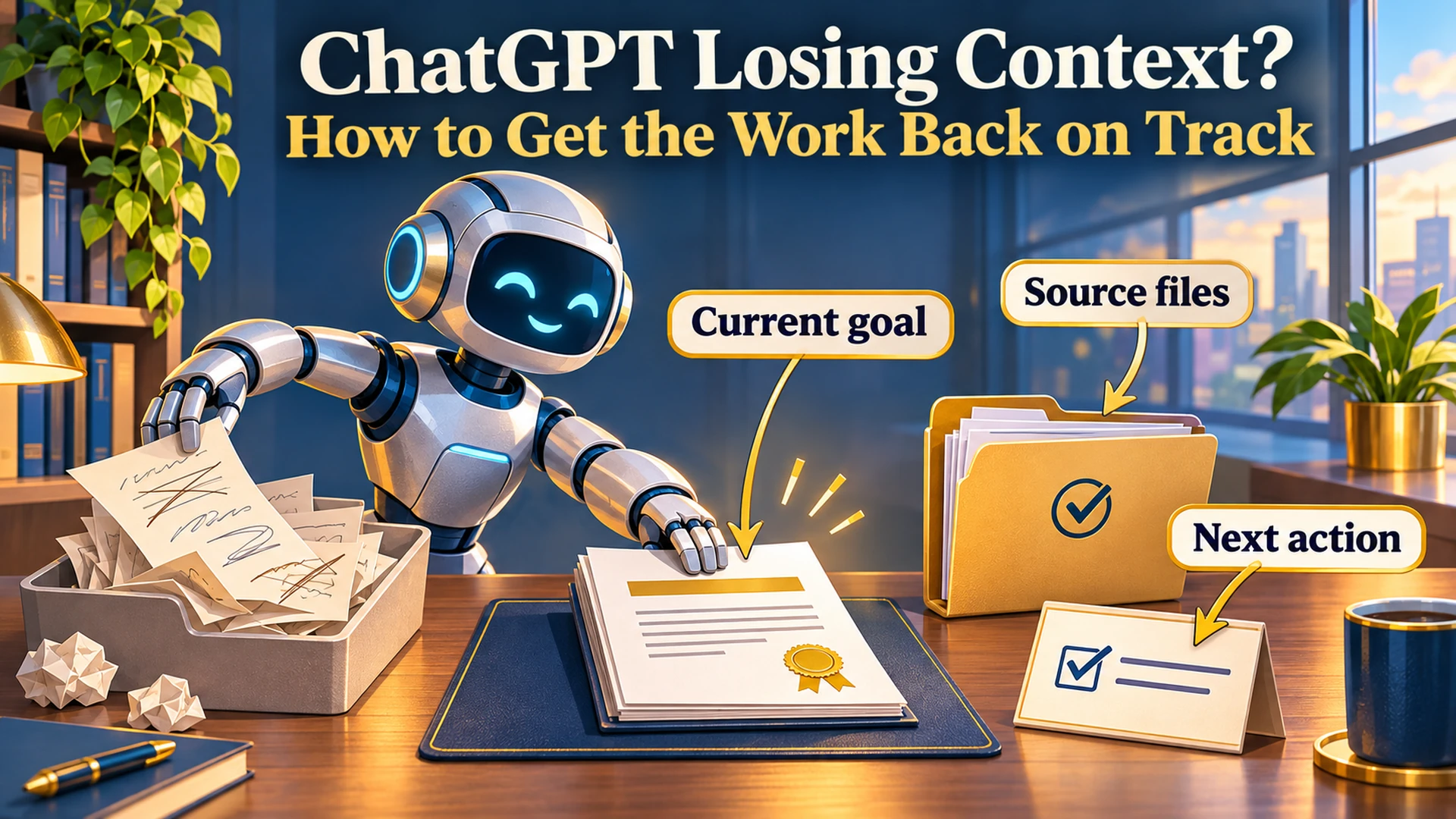
Think about a desk covered with several versions of a proposal. The approved price is on one sheet, yesterday’s changes are on another, and somebody has left an old draft on top.
A bigger desk would hold more paper. You would still need to identify which version governs the work.
This is Part 5 of Put AI to Work. We have defined the assignment, compared directions and chosen useful outputs. Now we need a way to recover when the conversation stops moving the job forward.
Why Does ChatGPT Seem to Lose Context?
What looks like lost context can have several causes: an unclear instruction, competing requirements, unavailable files or difficulty using information from a long conversation. The symptom alone does not tell you which problem you have.
An answer that misses your preferred tone may need specific feedback. An assistant that cannot access the approved document needs the document or a working way to retrieve it.
There are also technical limits. Anthropic’s explanation of managing context for AI systems describes why selecting relevant information matters and why more context does not automatically improve performance.
For business work, start with what you can observe. Which requirement was missed? Which source was unavailable? Which earlier decision has reappeared as an open question?
That gives you something concrete to correct.
What Does This Look Like in Actual Work?
A conversation has lost its usefulness when it repeatedly revisits settled decisions without completing the next step. You may still receive reasonable-sounding explanations, but the deliverable remains unfinished.
I have encountered this in my own article-production process. I approved the copy and asked for the handoff documents, then ran into a loop about the approved wording being unavailable.
At one point, my instruction was simple: “Get me out of it.”
The useful distinction was between two separate things: approval of the article and access to its exact text. Confirming approval again could not supply missing words.
That is why I care about preserving a complete approved source. A summary of what an article discussed cannot substitute for the article when the next job requires reproducing it verbatim.
Should You Correct the Current Chat or Start a New One?
Stay in the current chat when the problem is specific and the necessary information remains available. Consider a new conversation when several corrections have failed, old instructions keep returning or the current assignment is buried beneath unrelated work.
Starting over has a cost. You need to carry forward the right decisions and sources, and check that the new conversation can use them.
Use the problem to guide the choice:
| What is happening | Useful next step |
|---|---|
| One paragraph has the wrong tone | Identify the passage and explain the change |
| The assistant misunderstands the deliverable | Restate the output and acceptance checks |
| An old instruction conflicts with a new decision | Identify the current requirement and what it replaces |
| A required file is unavailable | Restore access or provide the actual file |
| The same corrections keep failing | Prepare a checked handoff and consider a fresh chat |
| The platform displays an error or limit notice | Follow its guidance and preserve the work before continuing |
A new chat cannot fix a source file you still have not supplied. A longer explanation cannot make an inaccessible document readable.
Your AI task brief and acceptance checks give you a useful reference point: compare the current work with the assignment you intended.
How Do You Reset the Current Conversation?
Name the specific problem, restate the current goal and separate settled decisions from open questions. Then ask the assistant to perform one defined next step.
Avoid asking it to reconsider everything unless that is what the job requires. A broad restart can reopen decisions you already made.
For a hypothetical proposal task, you could write:
We are preparing a comparison of the three supplied vendor proposals. The deliverable is one comparison table followed by questions for each vendor.
The approved requirements list remains unchanged. We have not selected a vendor, and you must not treat an earlier preference as a final decision.
Your last response omitted implementation charges. Add those charges where the proposals specify them, identify their source and flag anything not stated.
Preserve the other verified information. Do not expand into a general software-buying guide.
This correction identifies the gap and limits the repair. It also gives you something specific to review when the answer comes back.
My guide to giving AI feedback and guiding the conversation covers the broader habit. Recovery begins with making the correction clear enough to act on.
What Should an AI Conversation Handoff Include?
A useful handoff records the current assignment, authoritative sources, settled decisions, completed work, unresolved issues and next action. It should give the next conversation enough information to continue without reconstructing every earlier attempt.
Ask AI to prepare the handoff, then check it yourself. The conversation that missed a requirement can also miss it in the summary.
Use this structure:
Current goal: What we are completing and who will use it.
Authoritative sources: Exact files, locations and versions that govern the work. Identify anything unavailable.
Settled decisions: What has been approved, including boundaries that still apply.
Completed work: What exists, where it is and which checks have actually passed.
Open issues: Missing facts, unresolved decisions and known problems.
Next action: The specific step to perform now and how to judge completion.
Keep failed approaches only when they explain a constraint or prevent a repeated mistake. The next assistant usually needs the current decision more than the entire argument that produced it.
The handoff clears the desk. The source files supply the work.
The Caveman Marketing Quiz
How much of your marketing is still hunting by hand?
Rate 15 statements and see which of five stages your marketing is in, from The Hunter to The AI-Augmented Entrepreneur.
What Should You Preserve Exactly?
Preserve exact material whenever wording, figures or structure are part of the requirement. That includes approved copy, contractual language, source data, formulas and other content that a summary could change or omit.
For an approved article, keep the complete text in a clearly identified file. For a report, retain the underlying records and definitions alongside any explanation of the findings.
OpenAI’s guidance on ChatGPT memory states that memory does not retain every detail from every conversation. Treat memory as helpful context, while keeping authoritative material available for the task.
You can ask AI to summarize an approved article for orientation. If the next assignment requires publishing that article verbatim, provide the article itself.
That distinction would have saved some frustration in my own publishing process.
How Do You Start Fresh Without Losing Progress?
Bring the checked handoff and required source files into the new conversation, then verify that the assistant can access the essentials before it continues. Begin with a narrow next action so you can confirm that the transfer worked.
For example:
Continue this task using the attached handoff and source files.
Before doing the next step, identify the authoritative source, the settled decisions and any required material you cannot access. Do not reconstruct missing approved content from a summary.
If the required material is available, complete the next action specified in the handoff.
Check the response against your files. A confident statement that everything is understood is less useful than correctly identifying the approved version and the task to perform.
OpenAI’s guidance for full conversations also cautions that a continuation summary may omit earlier instructions or exact wording. Its advice includes copying over the passage you still need.
Once the transfer is sound, continue the job. You do not need to replay the entire conversation.
How Can You Reduce Recovery Work Next Time?
Save clear checkpoints when the work reaches a meaningful decision: an approved direction, verified analysis or finished deliverable. Record the current source and next action while those details are still easy to check.
For recurring work, keep three things together:
✓ The current assignment and acceptance checks.
✓ The authoritative inputs and approved output.
✓ A short status note explaining what happens next.
This fits the broader AI workflow for small business. The conversation supports the process, while files and checkpoints preserve its important results.
Match the checkpoint to the consequence. A quick brainstorming session needs less recordkeeping than customer-facing copy or a report used to change spending.
Frequently Asked Questions About Recovering AI Conversations
Does a Wrong Answer Mean the Context Window Is Full?
No. A wrong answer can result from misunderstanding, missing information or unsupported reasoning. Identify the observable error before assuming a technical limit caused it.
Will Starting a New Chat Restore Everything Automatically?
Do not assume it will. Available memory and project features vary, and important details may be missing. Supply the handoff and source material needed for the current assignment.
Can AI Write Its Own Handoff Summary?
Yes, but review it. Check approved decisions, source locations, unresolved issues and completion claims, especially anything the assistant previously misunderstood.
Get Back to the Work
When a conversation starts looping, identify what is preventing the next useful step. Correct the specific problem, restore missing sources or move a checked handoff into a fresh conversation.
Keep the approved proposal on top of the desk. Put the abandoned drafts aside, and make the next action clear.
If you want help building a process that preserves decisions and moves work forward, explore one-on-one marketing and AI coaching. We can work through a recurring task and establish the checkpoints it needs.
Last fact-checked: November 9, 2026.